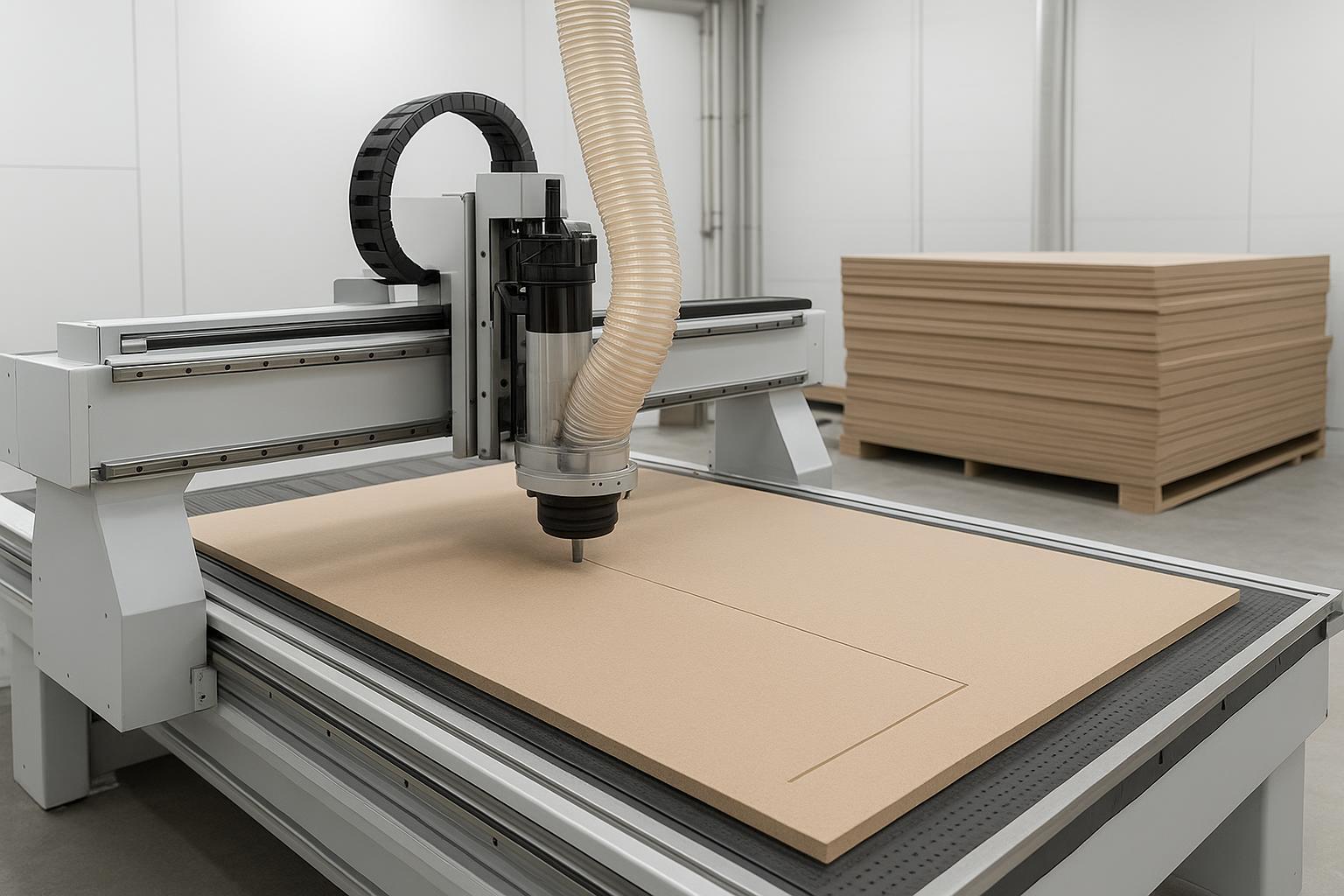
A CNC router machine is a computer-controlled cutting machine that uses a rotating spindle (router bit) to cut, carve, engrave, drill, groove, and shape materials such as wood, MDF, plywood, acrylic, plastics, foam, and—on the right setup—some soft metals. It follows digital toolpaths generated from CAD/CAM software, which are converted into G-code instructions the machine can execute.
If you run a cabinet shop, furniture factory, wood door workshop, sign shop, or a small production business, the real question isn’t only “what is it?” It’s what can it make, what can it cut, and which type fits your daily workflow.
What is a CNC router machine used for in woodworking and sign making?
“Cutting and engraving” sounds generic. Here’s what a CNC router actually produces in common B2B scenarios.
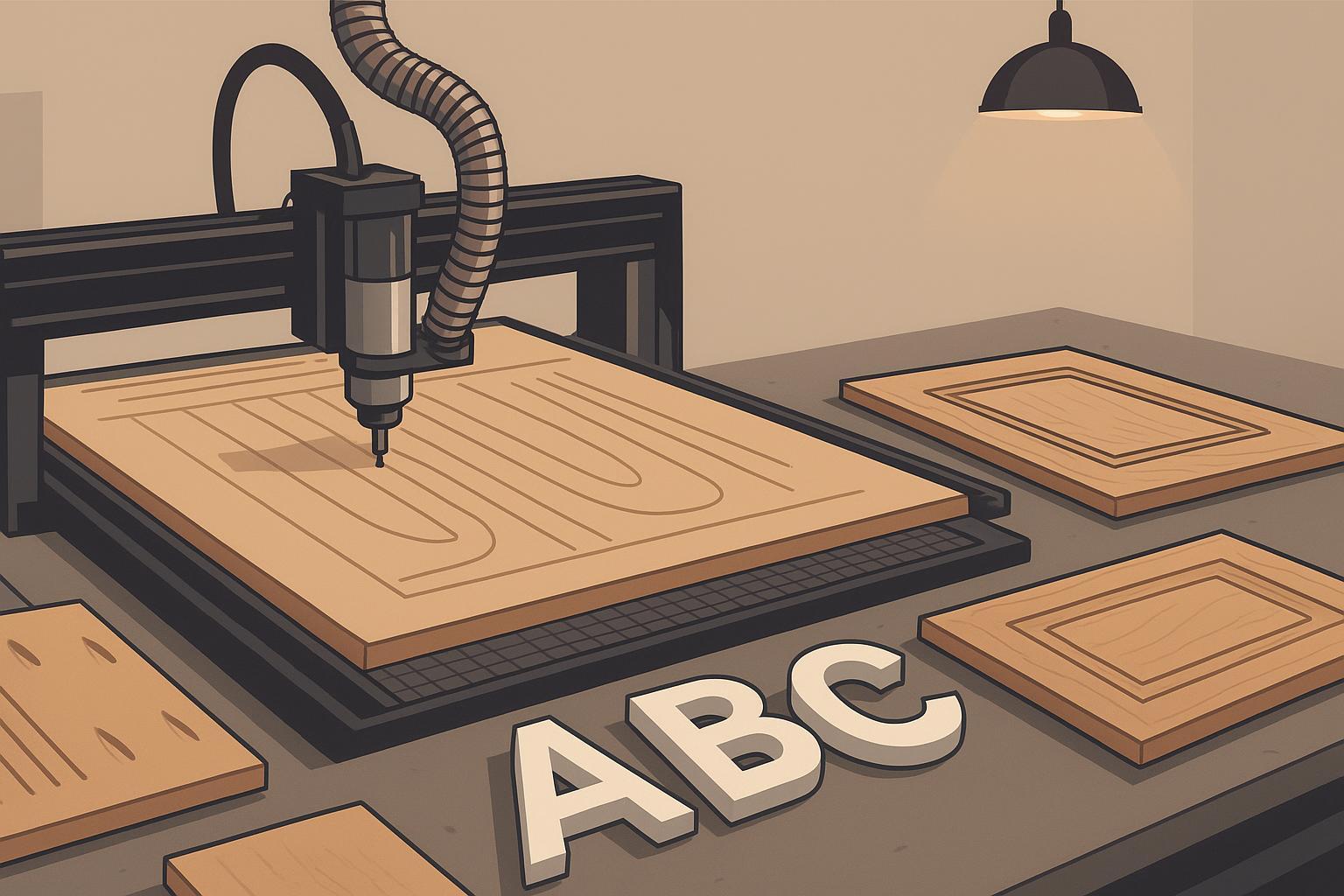
Industry | What a CNC router can make (examples) |
|---|---|
Cabinet making / whole-house customization | Cabinet panels, shelves, drawer parts, cabinet doors, grooves, hinge/lock pockets |
Panel furniture production | Wardrobes, office furniture parts, modular panels, back panels, wall panels |
Wood door / door panel production | Door carvings, decorative lines, hinge slots, lock holes, pockets and channels |
Furniture factories / job shops | Tabletops, chair backs, decorative parts, solid-wood components, relief panels |
Sign making / advertising fabrication | Acrylic letters, PVC signs, foam boards, display panels, decorative screens |
Crafts, decoration, gifts | Wood plaques, ornaments, relief carving, custom name signs, models |
Packaging & prototyping | Foam packaging inserts, foam molds, architectural models, sample parts |
If your jobs look like sheet cutting + pockets + drilling patterns + grooves, a CNC router is usually the first serious automation step.
How does a CNC router work?
(If you’re searching “how does a CNC router work”, this is the exact workflow your shop will follow.)
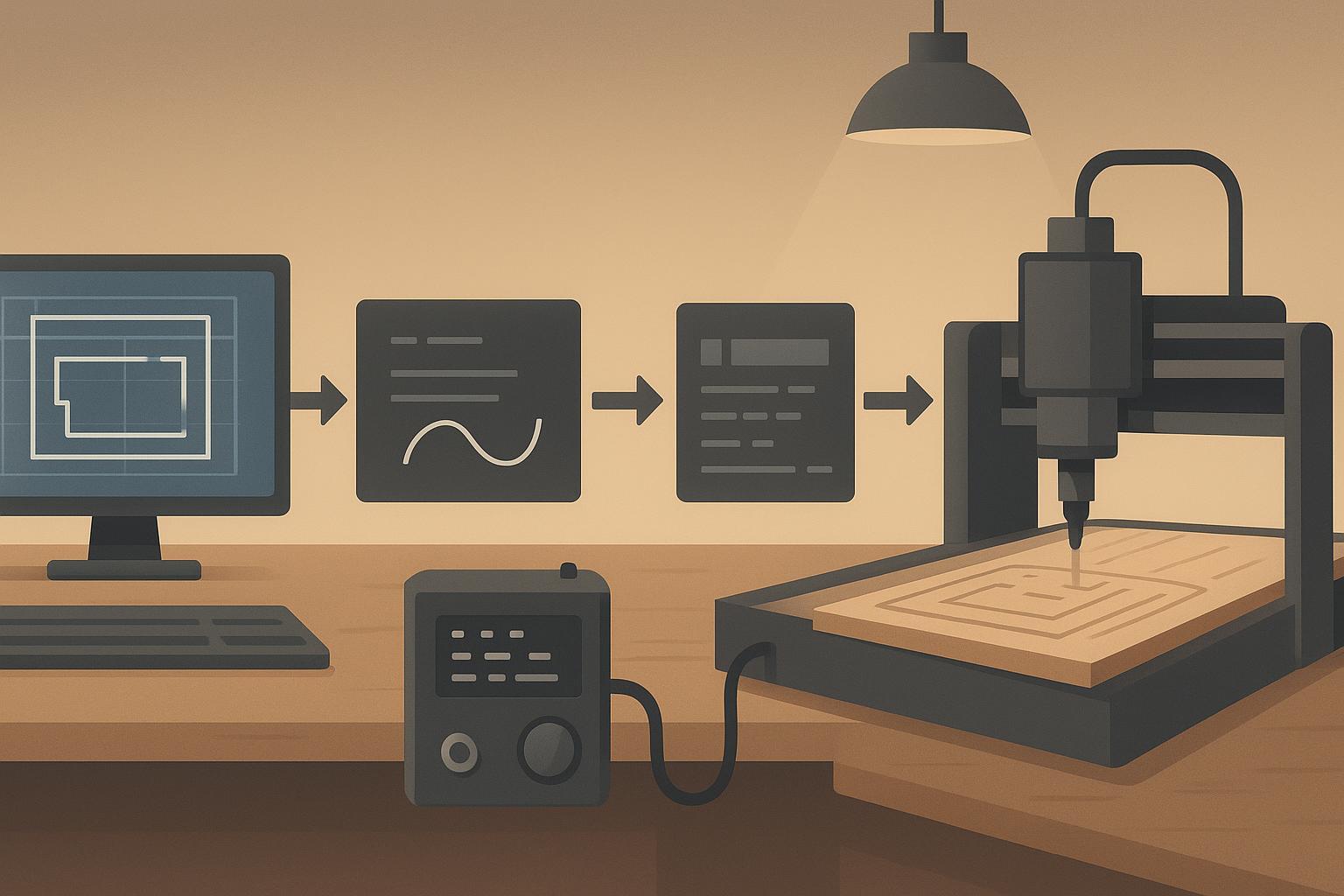
A CNC router isn’t smart by itself. It follows a simple digital workflow from design file to finished part.
Step | What happens |
|---|---|
Design (CAD) | You design the part, pattern, or cabinet layout in CAD software. |
Toolpath (CAM) | CAM software converts the geometry into toolpaths (where the cutter moves). |
G-code | The CAM outputs G-code (machine instructions: moves, speeds, tool changes). |
Machine control | The controller reads the G-code and drives the motors and spindle. |
Cutting | The tool moves along X/Y/Z (and sometimes extra axes) to cut/engrave/drill. |
Simple flow: CAD Design → CAM Toolpath → G-code → Controller → Motors & Spindle → Finished Part
For a beginner-friendly overview of the CAD/CAM/G-code relationship, Xometry’s explainer is a useful reference: Xometry’s “What Is a CNC Router?”.
What materials can a CNC router cut?
A CNC router is powerful, but it’s not a “cut anything” machine. It’s best for wood-based panels and soft-to-medium materials.
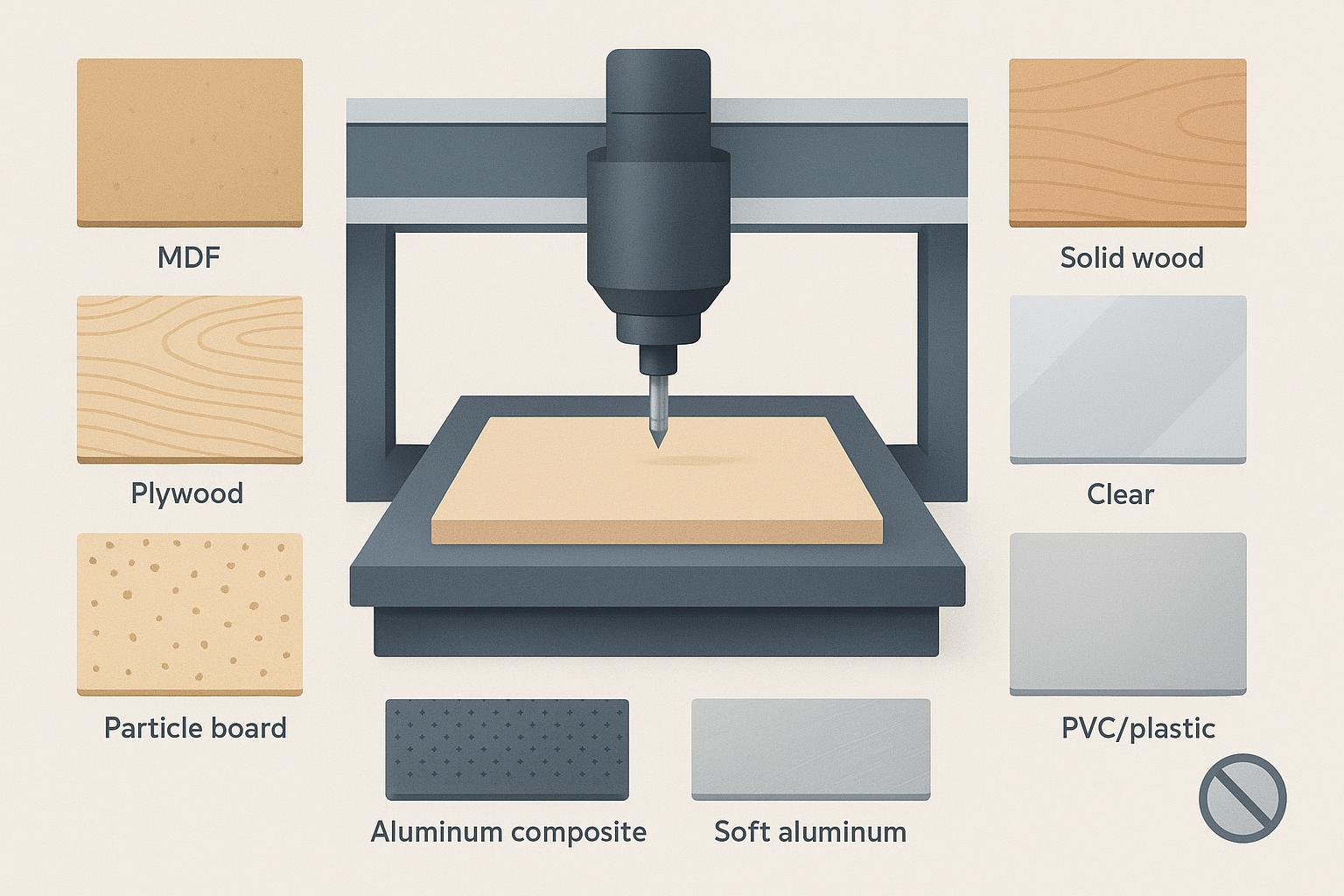
Material | Suitable? | Common applications |
|---|---|---|
MDF | Yes | Cabinet doors, panels, furniture parts |
Plywood | Yes | Cabinets, furniture, packaging, signs |
Particle board | Yes | Panel furniture, cabinet parts |
Solid wood | Yes | Furniture parts, doors, decoration |
Acrylic | Yes | Signs, displays, letters |
PVC / plastics | Yes | Sign making, panels, decorative parts |
Foam / EVA | Yes | Packaging, models, molds |
Aluminum composite panel | Yes | Signs, decorative panels |
Soft aluminum | Possible (depends on rigidity, tooling, feeds/speeds) | Plates, light parts, signage |
Steel | Usually not ideal | Better handled by CNC mills, fiber lasers, or plasma cutters |
Key Takeaway: A CNC router can cut many non-metal and soft materials, but it’s generally not the right machine for heavy steel machining.
Is a CNC router a “general CNC machine”?
Yes—a CNC router is one type of CNC machine.
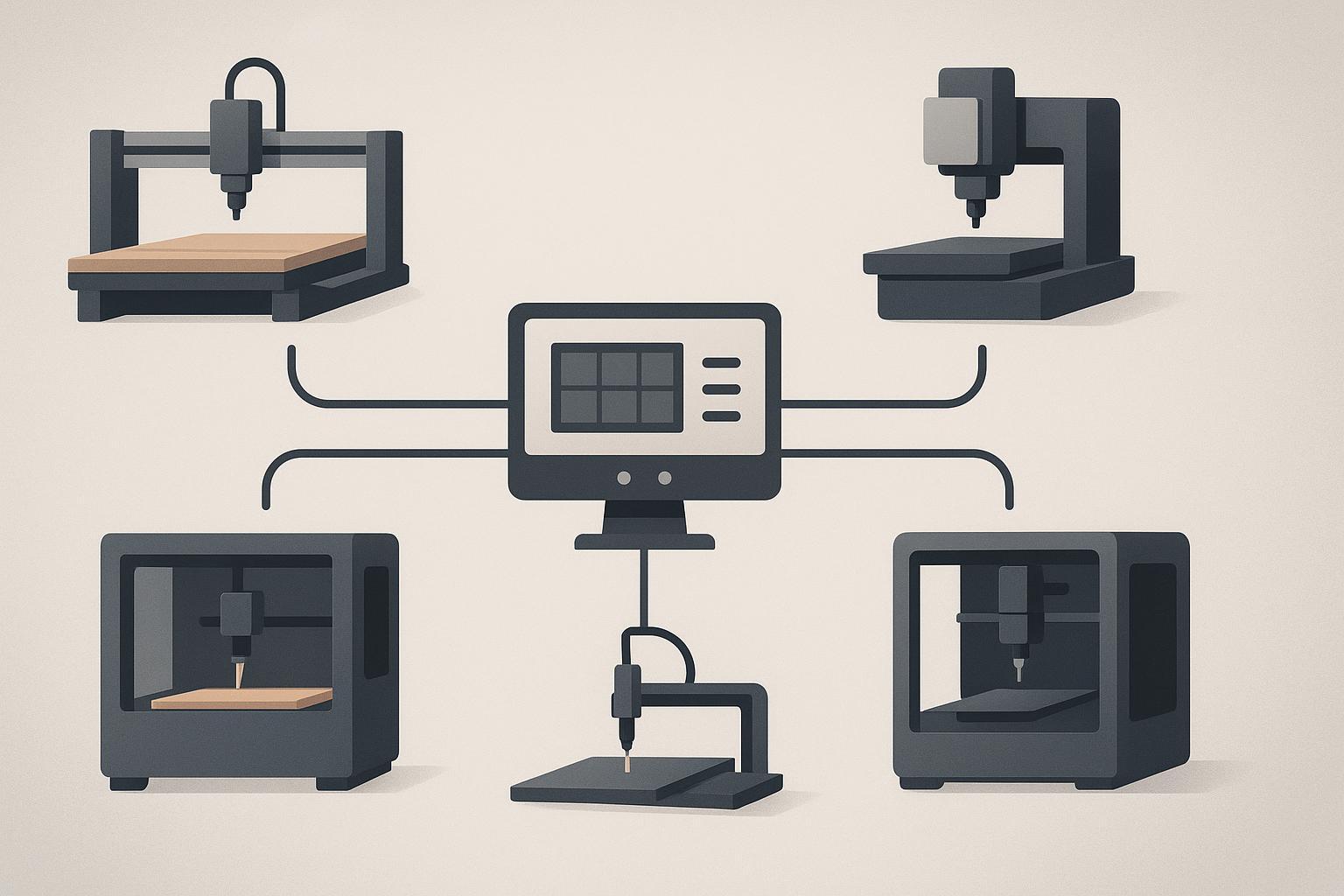
“CNC” means computer numerical control: the machine is controlled by programmed instructions rather than manual hand guiding. A CNC router is designed around high-speed routing and is typically optimized for sheet materials and woodworking-style operations.
That’s why “CNC router” is not the same thing as “CNC milling machine,” even though both are CNC.
CNC router vs CNC mill vs laser cutter vs plasma vs 3D printer
If you’re searching “general CNC,” this table is often what you actually need.
Machine type | Main process | Best for | Not best for |
|---|---|---|---|
CNC Router | Cutting/engraving with a rotating tool | Wood, MDF, plywood, acrylic, plastics, foam, some soft metals; large sheets | Hard steel machining, tight-tolerance metal parts |
CNC Mill | Rigid machining with cutting tools | Hard metals, molds, high-precision components | Large sheet woodworking production |
Laser cutter | Thermal cutting/engraving with a laser beam | Thin sheet cutting, acrylic cutting/engraving, some metals | Deep pocketing, heavy 3D carving in wood |
Plasma cutter | Plasma arc metal cutting | Steel and metal plate cutting | Wood, MDF, acrylic, foam |
3D printer | Additive manufacturing | Prototypes, plastic models | Fast sheet cutting, cabinet panel production |
Manual router | Hand-guided routing | Small manual woodworking jobs | Repeatable batch production |
A practical router-vs-mill summary (materials, rigidity, work area) is laid out clearly in Xometry’s “CNC Router vs. CNC Mill”.
Do you need a CNC router machine?
If you’re on the fence, think in terms of production problems—not machine features.
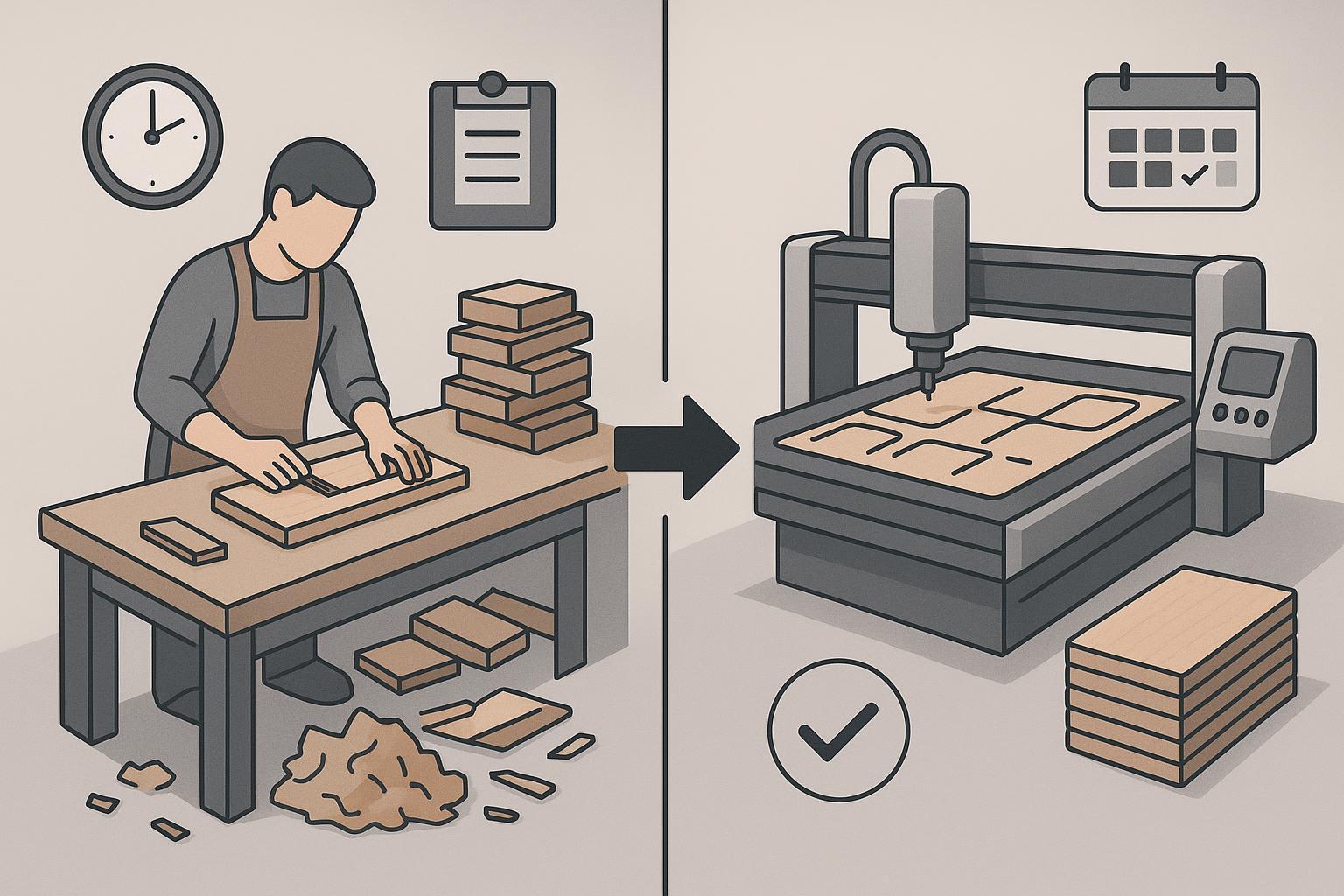
If you have these problems… | A CNC router may help because… |
|---|---|
Manual cutting errors are common | It improves repeatability and dimensional consistency. |
You depend too much on skilled hand labor | It reduces manual cutting/drilling/shaping workload. |
Orders are increasing | It can improve daily throughput and scheduling reliability. |
You often make cabinet panels, doors, or signs | These are core CNC router applications. |
You repeat the same part frequently | CNC routing keeps sizes consistent across batches. |
You want to move from workshop to small factory | It’s often the first scalable automation step. |
CNC router types: which one fits your business?
This article is an entry page, not a full buying guide. But you should be able to self-identify the right direction in 60 seconds.
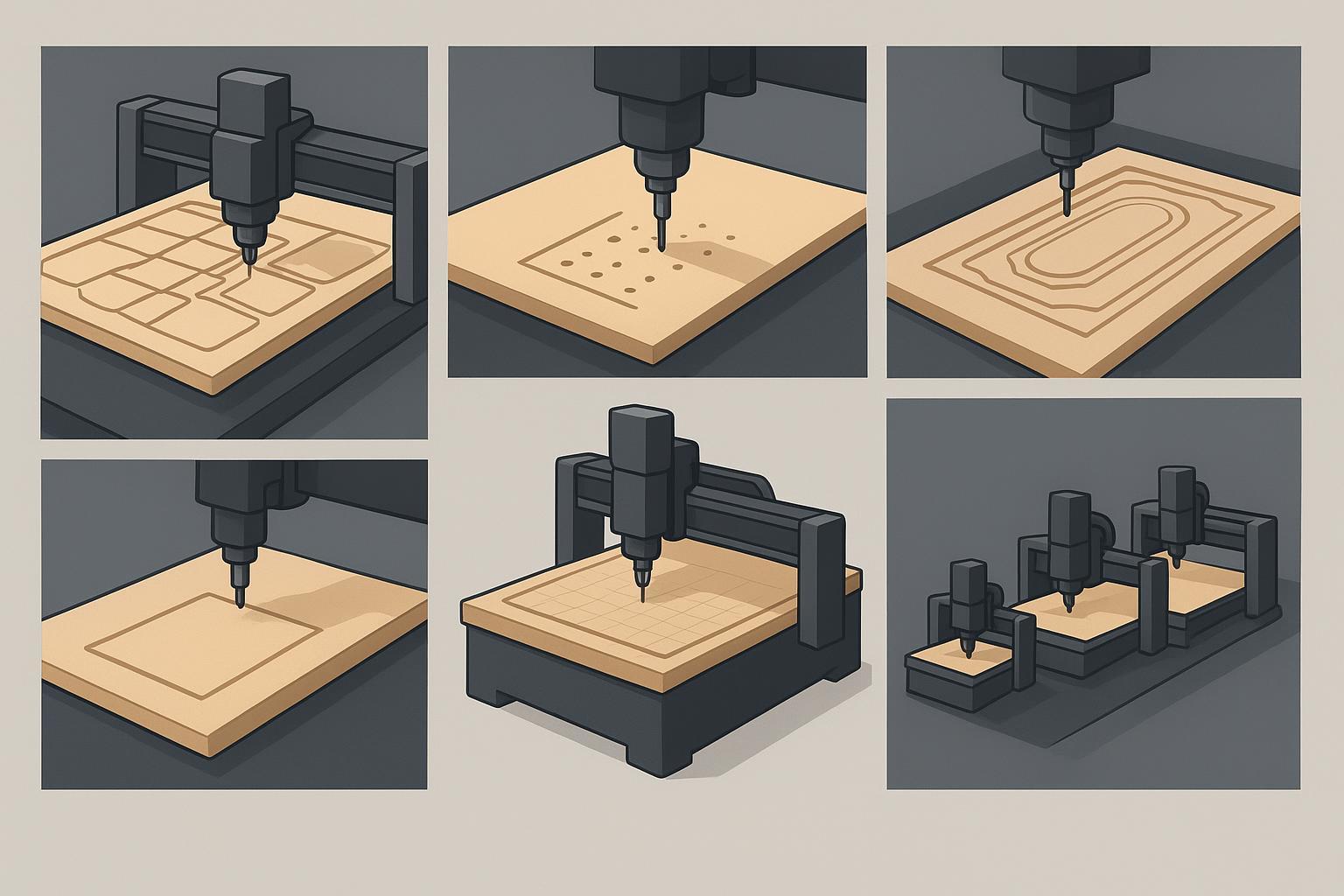
Your business type | A better starting CNC router type | Why it fits |
|---|---|---|
Cabinet shop / whole-house customization | Nesting-style workflows + vacuum workholding, often ATC | Sheet optimization, faster repeat parts, less rework |
Panel furniture factory | ATC CNC router + drilling workflows | Cutting + grooving + drilling in one repeatable flow |
Wood door / door panel factory | ATC, and sometimes multi-axis depending on design | Carving + pockets + hinge/lock operations |
Small woodworking job shop | Standard 4×8 class router | Flexible, cost-controlled entry point |
Sign & craft shop | Smaller bed / desktop-class router | Acrylic/PVC/foam and small batch jobs |
Dealer / distributor | A product line that covers multiple tiers | Easier to match different customer budgets |
Here are practical next-click pages if you want to see real machine examples:
- Start from the full category: CNC router machine
- If you do multi-step cabinet work: 12-tool linear ATC CNC router
- If you want an ATC-focused woodworking setup: UA-481 woodworking ATC CNC router
- If you’re comparing “router vs machining center” concepts: CNC machining center UC-481 with rotary ATC
- If you make complex 3D surfaces: 5-axis wood CNC router
- If your workflow is point-to-point drilling/routing: PTP CNC router
- If you need an entry machine for sheet work: heavy-duty 1325 CNC router machine
- If you have limited space but still want ATC: mini 6090 CNC router with auto tool changer
Main parts of a CNC router machine (and why they matter)
Buyers often focus on spindle power first. In real production, stability and workholding can matter just as much.
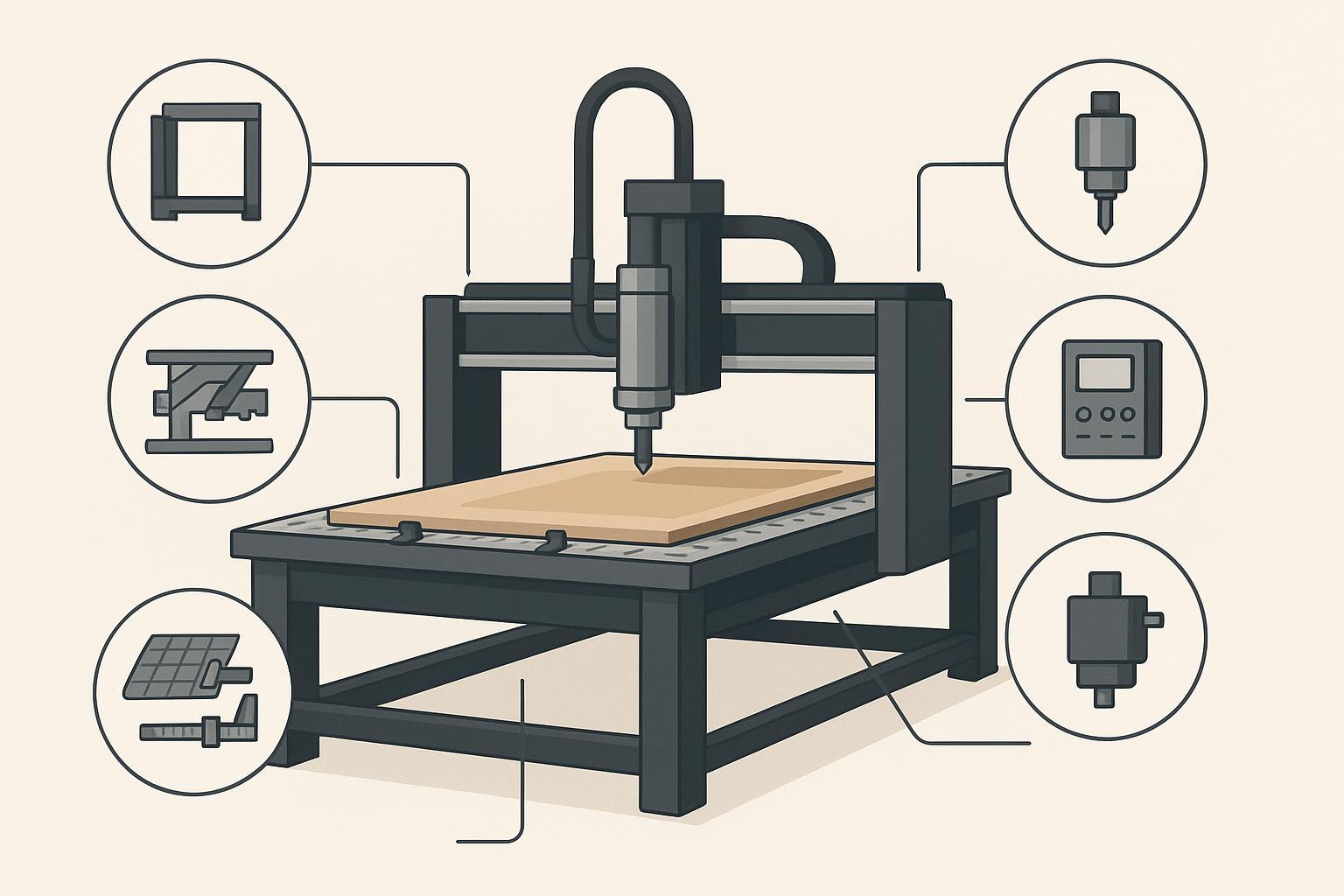
Part | What it does | Why it matters |
|---|---|---|
Machine frame | Supports the whole machine | Affects rigidity, vibration, and finish quality |
Worktable / bed | Holds the material | Impacts accuracy over full sheets |
Spindle | Rotates the cutting tool | Impacts cutting ability and surface finish |
Controller | Reads G-code and controls movement | Impacts usability and job stability |
Motors | Move the X/Y/Z axes | Impacts speed and positioning reliability |
Rails + transmission | Transfers motion | Impacts long-term precision and maintenance |
Vacuum table / clamps | Holds the workpiece | Prevents part movement and scrap |
Dust collection | Removes dust/chips | Improves safety, cleanliness, and cut consistency |
Tool changer (ATC) | Changes tools automatically | Improves throughput for multi-step jobs |
What should you consider before buying a CNC router machine?
If you want to avoid expensive “wrong machine” mistakes, answer these questions before you compare quotes.
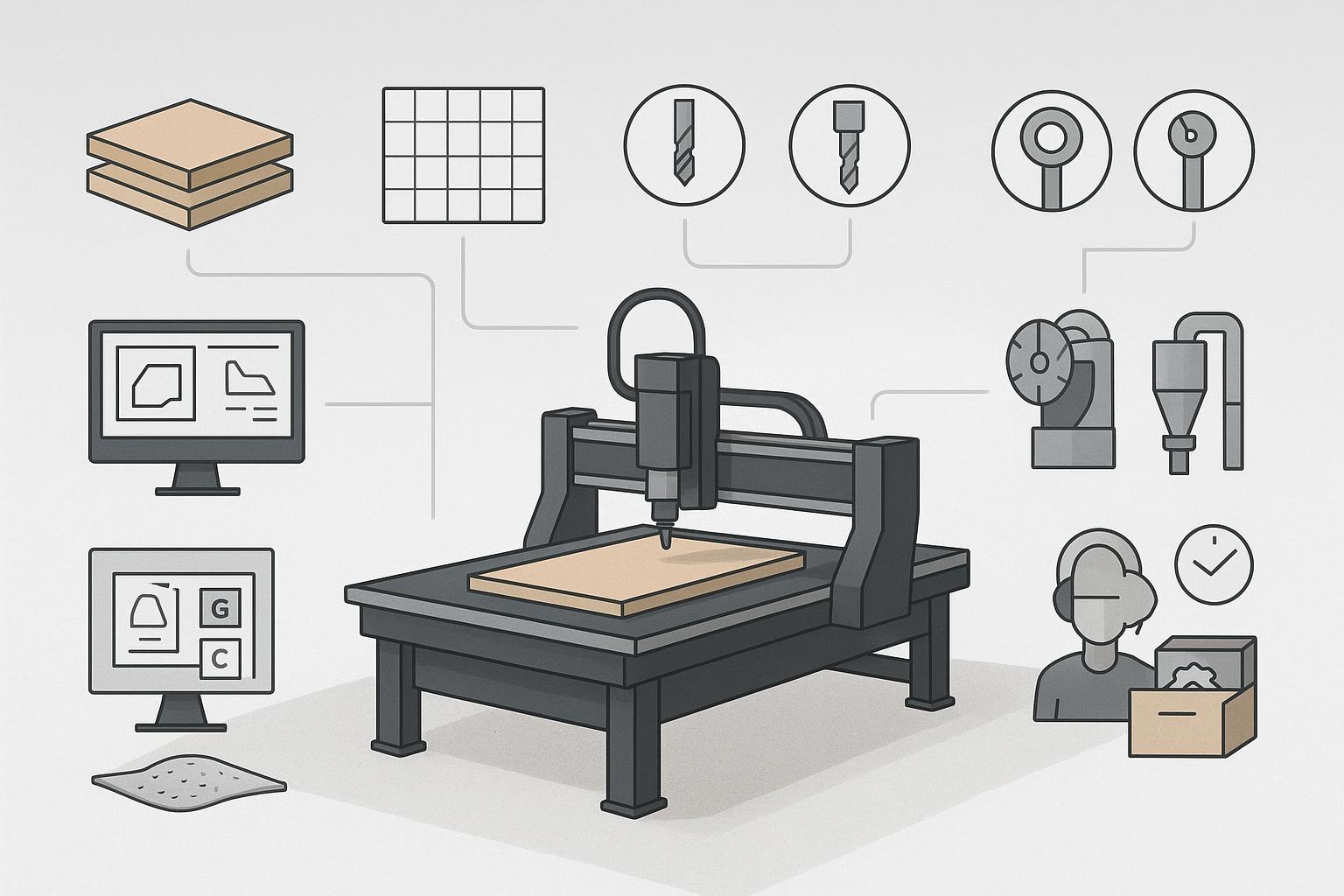
- What materials do you cut most often (MDF, plywood, solid wood, acrylic, foam)?
- What sheet size do you process most days (e.g., 4×8, 5×10)?
- Do you need cutting only, or also drilling, grooving, and pocketing?
- Do you need manual tool change or ATC?
- How will you hold parts: clamps, vacuum table, or a hybrid?
- Do you need nesting optimization software for sheet yield?
- Which controller and CAD/CAM workflow will your team actually use?
- What after-sales support and spare parts plan is realistic for your region?
- What’s your daily production volume (hours/day and sheets/day)?
Stop buying a CNC router without budgeting for “the Big Three”
Base machine price is rarely the full cost. For cabinet and panel production, these three items often decide whether the machine feels “productive” or “painful.”
- Industrial dust collection High-speed routing creates a lot of MDF/wood dust. A small shop vacuum is usually not enough for production.
- Vacuum pump system (workholding) For nesting and full-sheet cutting, vacuum workholding can prevent small shifts that ruin edge quality and hole accuracy.
- CAM workflow compatibility The CNC router only helps if your CAD/CAM → G-code workflow is stable for your controller and your operators.
Common myths and mistakes when buying a CNC router
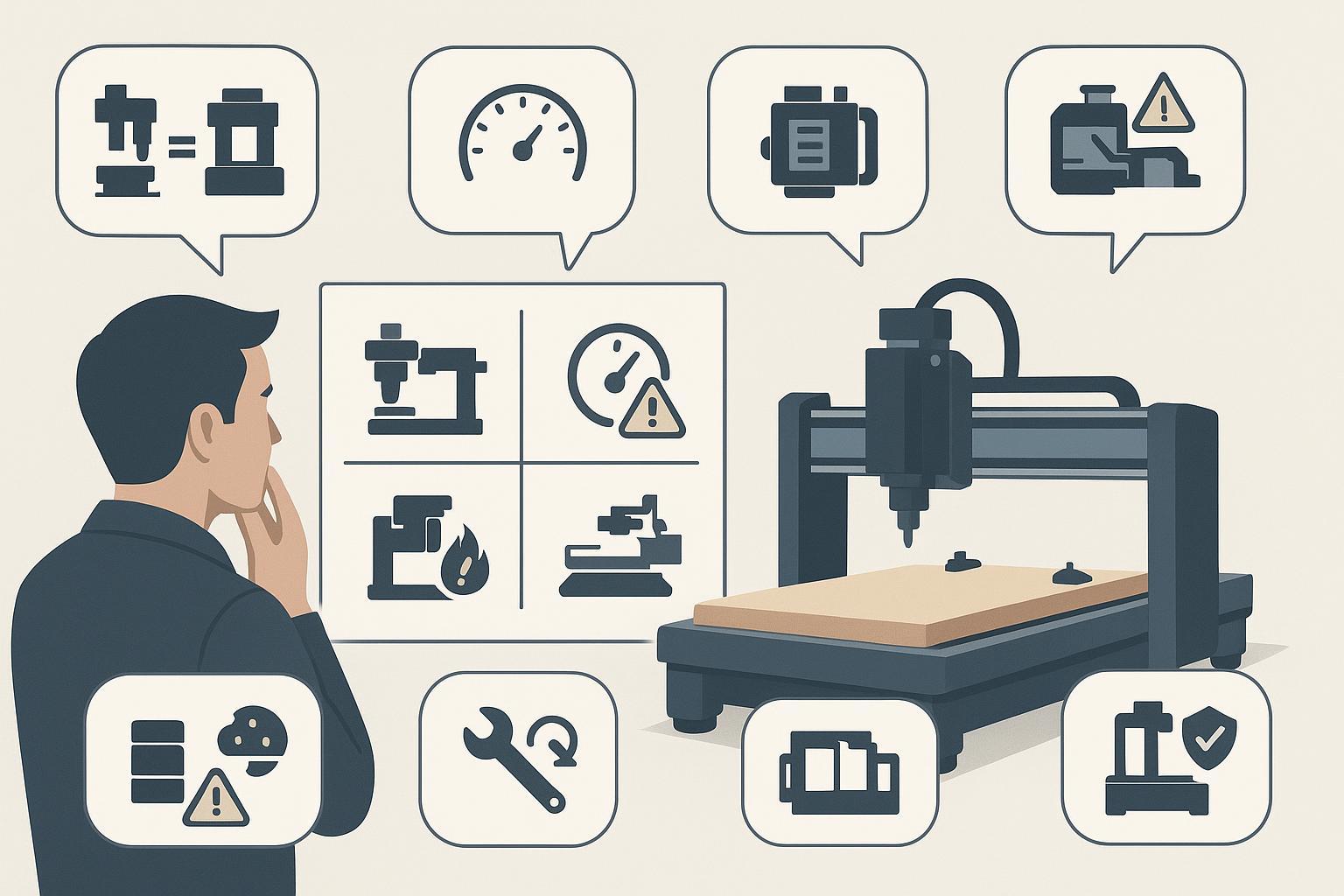
Myth 1: A CNC router is basically the same as a CNC milling machine
Fact: Both are CNC machines, but they’re built for different cutting forces and different jobs. Routers are typically better for large sheets and soft-to-medium materials; mills are built for harder metals and tighter tolerances.
Myth 2: Higher spindle RPM always means better cutting
Fact: RPM is only one variable. Cutting quality also depends on feed rate, chip load, tool geometry, spindle torque, material density, machine rigidity, and workholding.
A practical buyer question is: Can the spindle maintain stable cutting torque in daily MDF/plywood work?
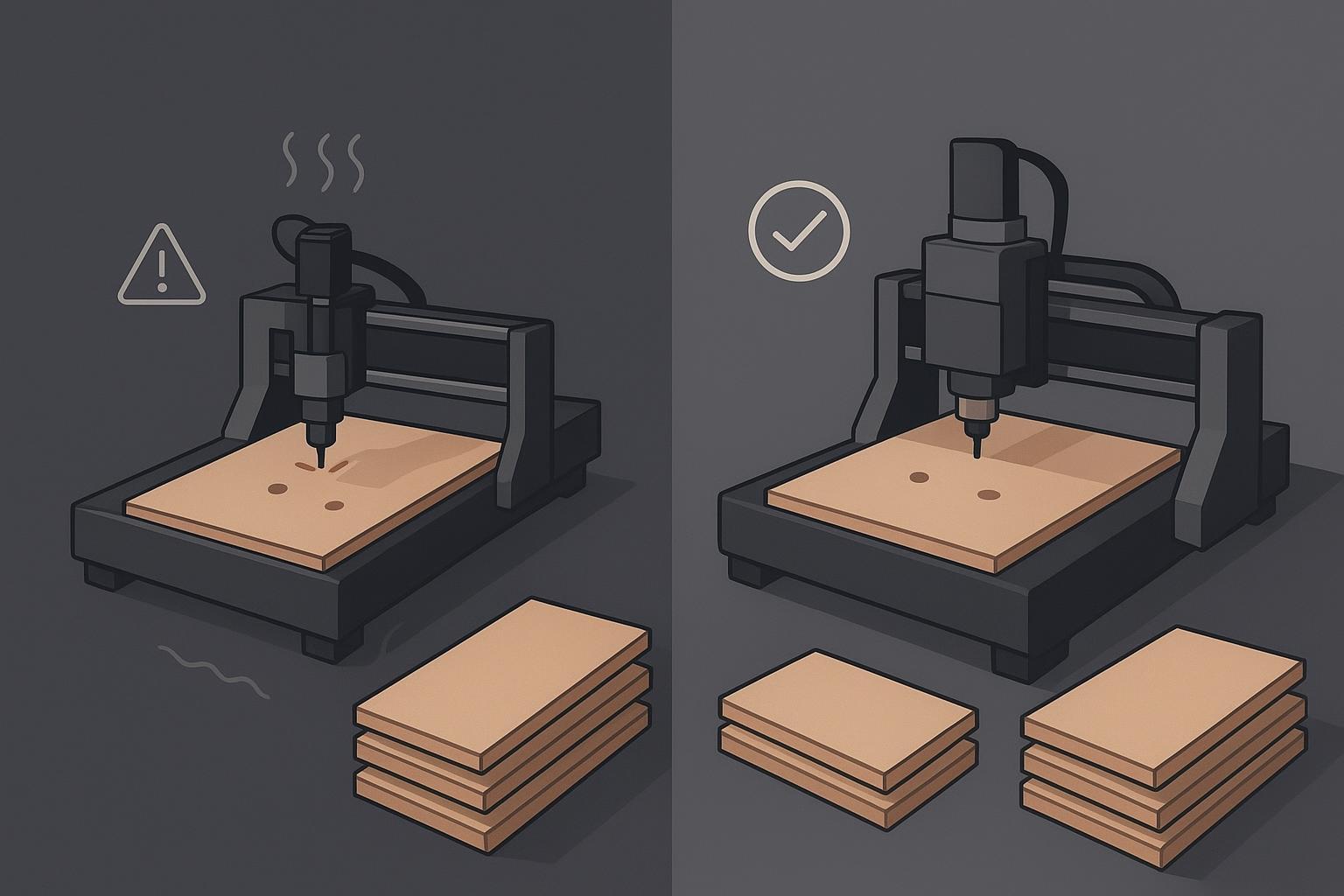
Myth 3: A cheap stepper machine is always good enough for daily cabinet production
Fact: Stepper systems can be fine for light-duty cutting and entry-level use. For long production hours and full-sheet nesting jobs, many factories prefer servo systems because they provide feedback and better position control.
Myth 4: Workholding is optional
Fact: If the board moves, the cut is already wrong. For cabinet and panel work, treat vacuum/clamping as a production system—not an accessory.
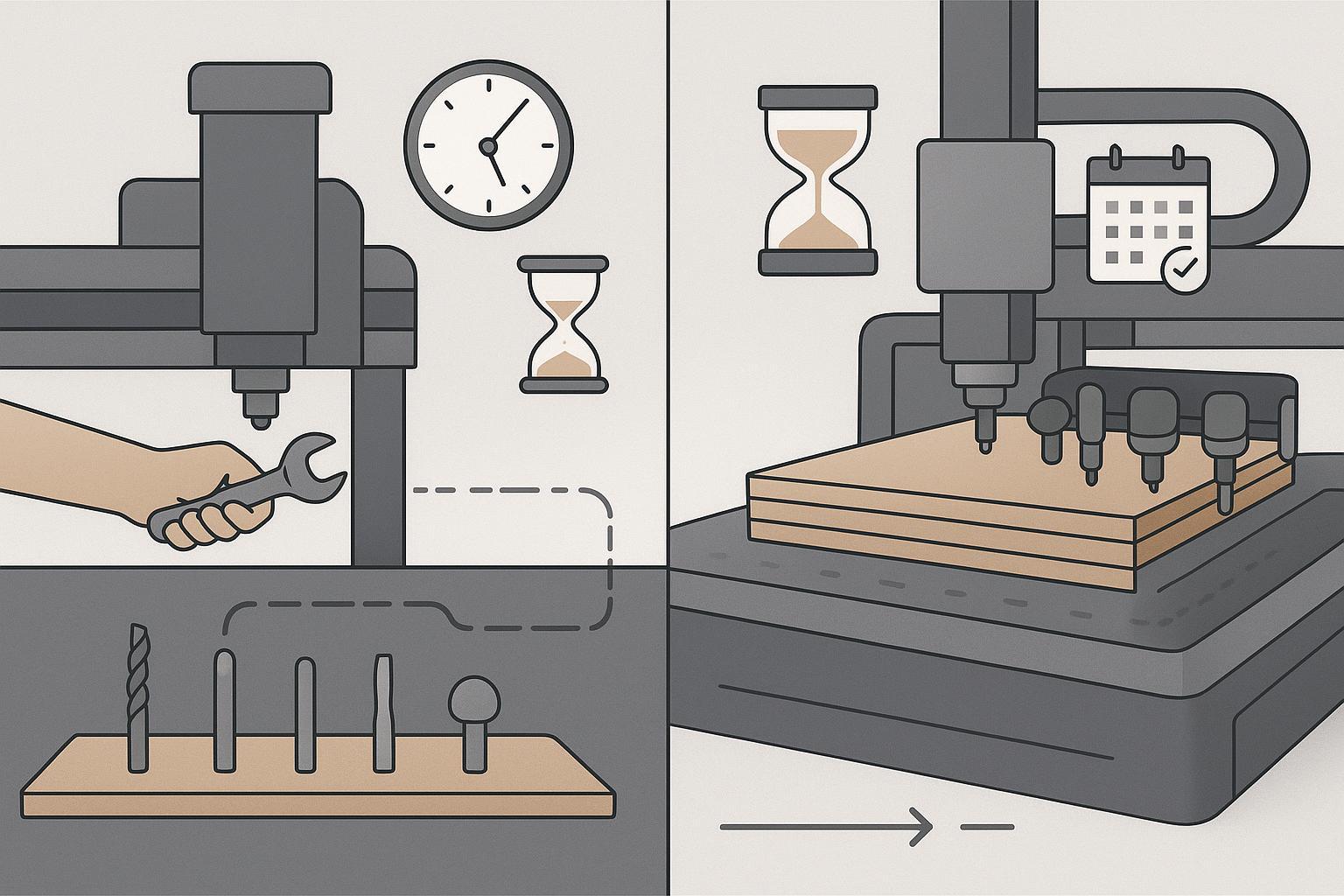
Myth 5: Manual tool change is fine for multi-step cabinet work
Fact: Manual tool change can work for simple jobs. But cabinet and furniture workflows often combine cutting, grooving, drilling, and engraving. An ATC router reduces interruptions and helps keep cycle time predictable.
Myth 6: Desktop CNC and industrial CNC are only different in size
Fact: Size is only one difference. Industrial machines typically have stronger frames, higher duty cycles, more stable controls, and more production-focused workholding.
FAQ
What does a CNC router do?
A CNC router uses a rotating cutting tool to cut sheet goods and parts with high repeatability. In woodworking and sign shops, it’s commonly used for cutting panels, pockets, grooves, drilling patterns, and engraving details.
What is CNC routing?
CNC routing is a subtractive manufacturing process where a computer-controlled spindle moves a cutting tool along programmed paths to cut, carve, engrave, drill, and groove material.
What can a CNC router cut?
A CNC router commonly cuts wood, MDF, plywood, acrylic, plastics, and foam. Some machines can cut soft aluminum with the right rigidity, tooling, and parameters. For steel machining, a CNC mill, fiber laser, or plasma cutter is usually a better fit.
CNC router vs laser cutter: which should you choose?
If your main job is fast cutting of thin sheets (and you don’t need pockets or deep 3D carving), a laser cutter can be efficient. If your jobs require pockets, grooves, drilling, and woodworking-style shaping—especially on thicker wood panels—a CNC router is usually the better match.
What is the HTS code for a CNC router machine?
(If you’re Googling “what is the HTS code for CNC router machine”, treat this section as a starting point—not a final classification.)
For U.S. imports, many woodworking CNC routers may fall under HTS heading 8465 (machine tools for working wood and similar hard materials). However, the exact HTS code depends on the machine’s primary function, configuration, and import details, and similar machines can be classified under different subheadings.
Because tariff classification can affect duties and clearance risk, importers should confirm the correct HTS/HS code with a licensed customs broker—or request an official binding ruling—before shipment.
Next steps
If you’re not sure which CNC router fits your material mix, sheet size, and daily output, start by browsing the CNC router category page (linked earlier) and shortlist 2–3 directions (standard 1325 class, ATC, 5-axis, or compact 6090). Then get a configuration suggestion based on your real parts and workflow.

Frannie
Hello, I’m Frannie, a CNC machinery specialist with 15 years of experience in the woodworking CNC industry. I help furniture factories, cabinet makers, woodworking workshops, and production businesses choose CNC machines that match their production needs, factory size, budget, and efficiency goals.
My work focuses on solving real production problems, including replacing outdated equipment, improving machining efficiency, reducing labor costs, and upgrading to smarter CNC solutions. I also support customers with machine installation guidance, operation training, video support, and on-site training when needed, helping them use their machines more confidently and effectively.





