Do not replace a router bit because a generic chart says it has reached a certain number of hours. Replace it when it can no longer produce an accepted part under the same controlled cutting conditions.
Quick Answer
There is no universal CNC router bit life in hours. Tool life changes with material, cutter geometry, feed rate, spindle RPM, chip load, cutting depth, tool reach, runout, chip evacuation, workholding and the finish standard.
For recurring production, use a simple rule: continue while the cut matches a known-good sample; clean when buildup is the likely cause; replace when quality does not recover; inspect the machine and process when new tools fail early in the same way.
Visible damage overrides the normal tool-life rule. Remove a chipped, cracked or bent tool immediately, even if the last part still looked acceptable.
Why a Fixed-Hour Tool-Life Rule Fails
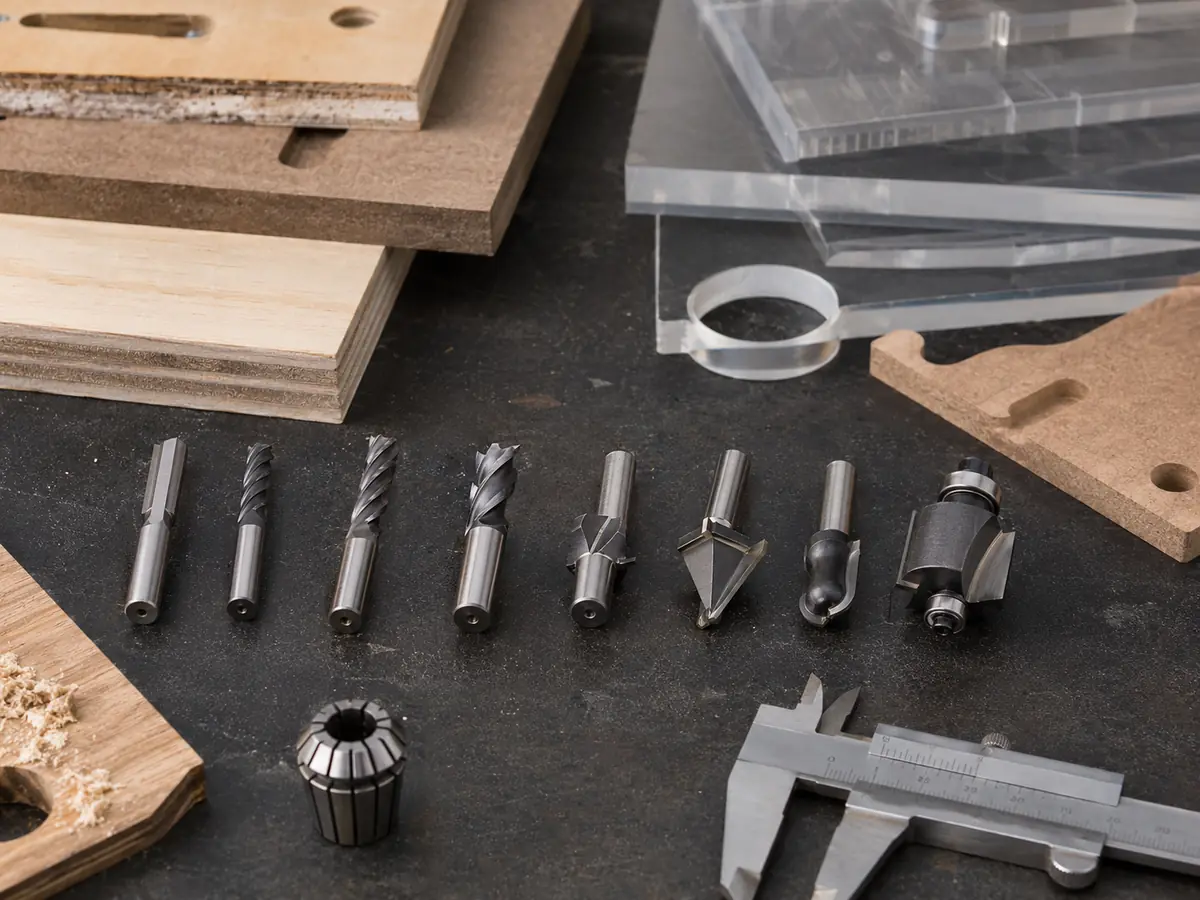
A router bit cutting laminated MDF does not wear the same way as a V-bit engraving hardwood or a small cutter machining acrylic. Material abrasiveness, binders, surface layers, cutting engagement and chip evacuation all change the load on the cutting edge.
Feed rate and spindle RPM matter too. When the process produces rubbing or very fine dust instead of a useful chip, more heat stays close to the cutting edge and practical tool life can fall.
| What changes | What it can do to tool life | What the shop should record |
|---|---|---|
| Material and surface layer | Abrasive fibers, binders, laminates and fillers change wear and heat. | Material type, grade, thickness and surface layer. |
| Tool geometry | Diameter, flute form, cutting length and edge design change strength and chip evacuation. | Exact tool ID, diameter, flute count and cutting length. |
| Feed, RPM and chip load | Too little chip load can create rubbing; excessive load can create chatter or breakage. | Programmed feed, actual RPM and flute count. |
| Depth and tool reach | Heavy engagement and unnecessary stickout increase cutting load and deflection. | Depth per pass, toolpath type and stickout. |
| Toolholding and runout | Poor concentricity can load one cutting edge harder than the others. | Collet/holder condition and runout when repeated symptoms appear. |
| Chip evacuation and hold-down | Re-cut chips, trapped heat or part movement can damage finish and the cutter. | Extraction condition, flute loading, vacuum or fixture condition. |
Use This Shop-Floor Rule: Continue, Clean, Replace or Inspect the Machine
When edge quality changes, do not immediately assume the cutter is worn. Use the same sequence every time so the operator does not hide a tooling problem by changing the program.
Cut quality, chip behavior and sound remain stable against a known-good sample. No visible damage. Keep running and log the exposure.
Resin, adhesive or melted plastic is visible on the edge or flute. Remove the tool, clean it by the approved method, inspect it and retest.
The same cut remains poor after cleaning and the validated process has not changed. Replace the cutter or send it for approved professional service.
A new tool quickly develops the same problem. Check the collet, holder, runout, spindle, workholding, extraction, toolpath and cutting load.
What Tool Wear Looks Like on Common CNC Router Materials
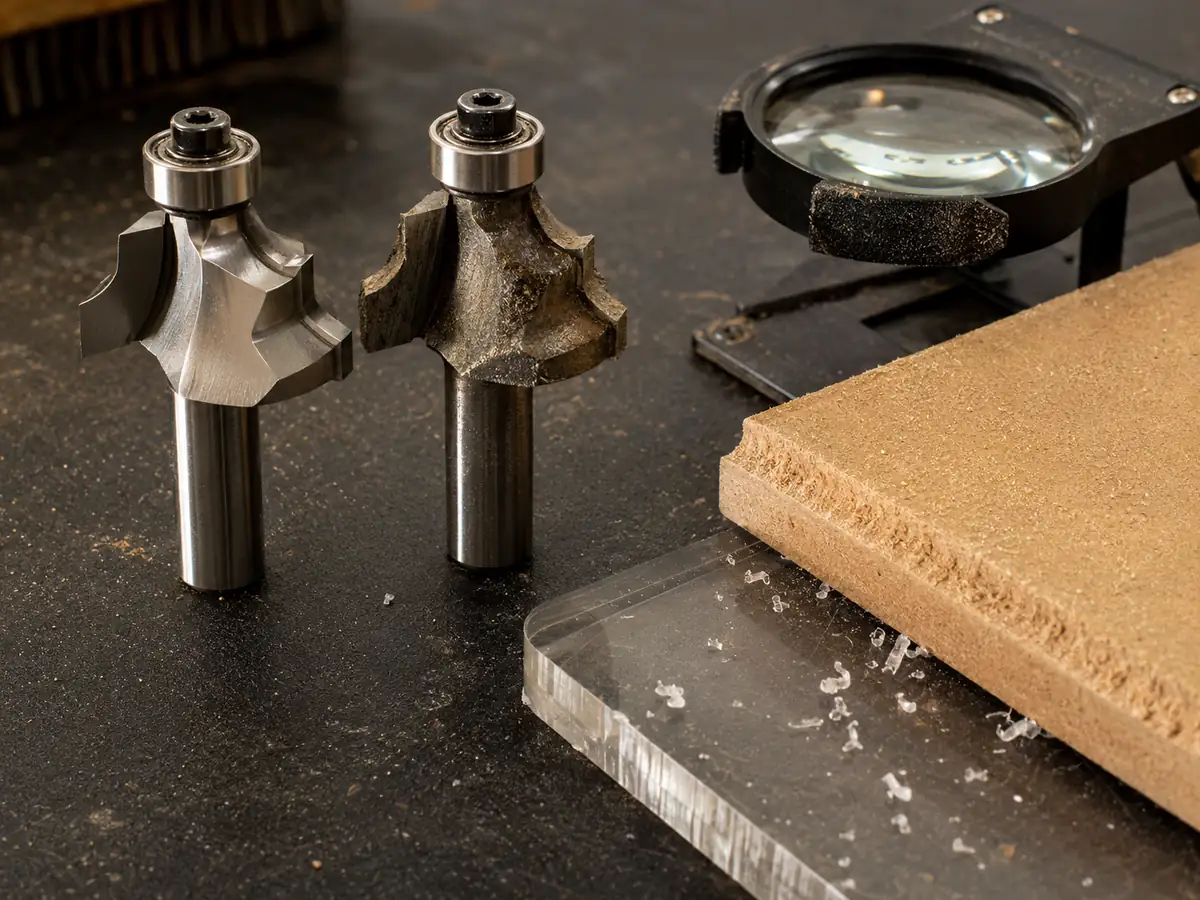
The first useful sign is not “the bit is old.” It is that the cut starts moving away from a known-good sample while the material, program and machine setup remain the same.
| Material / operation | What operators may see | Check before replacing |
|---|---|---|
| MDF / particleboard | More fuzz on the edge, rougher grooves, laminate chipping, more sanding needed, or a compression cut that no longer leaves both faces clean. | Resin/adhesive buildup, chip evacuation, feed/RPM, spoilboard condition and vacuum hold-down. |
| Plywood / veneered panels | Increasing veneer tear-out, splintering at the top or bottom face, or a previously stable edge that now needs manual repair. | Flute direction, cutter geometry, panel support, toolpath direction and edge condition. |
| Solid wood | Burn marks, fuzzing, tear-out, chatter marks or a change in cutting sound on the same grain direction and program. | Resin buildup, chip load, depth per pass, tool stickout and workpiece stability. |
| Acrylic / plastics | Edge turns cloudy, chips become powdery, melted material sticks to the flute, or the surface starts smearing instead of cutting cleanly. | Chip load, evacuation, dwell, cutter geometry and heat buildup. |
| Composite / abrasive sheet | Finish degrades quickly, cutting resistance rises or edge wear becomes visible earlier than on wood-based material. | Tool material, coating/edge type, dust removal, engagement and whether the selected cutter matches the material. |
Track Tool Life by Accepted Production, Not Spindle Hours Alone
For recurring jobs, track at least one exposure metric plus a quality endpoint. Cutting time is simple. Linear cutting distance works well when the same profile repeats. Accepted parts is commercially useful when the part family is comparable. Spindle-on hours are less useful when much of the cycle is not actually cutting.
Keep the Daily Tool-Life Record Simple
Operators do not need a long form at every change. Record the items that make the history useful, then add more detail only when wear becomes abnormal.
Record at every tool change
- Tool ID and cutter type
- Material and thickness
- Main operation
- Cutting time, distance or accepted parts
- Removal reason: wear, damage, buildup or planned change
Add these when troubleshooting
- Feed rate, spindle RPM and flute count
- Depth per pass and cutting engagement
- Holder/collet and tool stickout
- Cleaning or professional service history
- Edge condition and the exact symptom that appeared
Use Cost per Accepted Part
A low purchase price does not make a cutter economical if it creates more tool changes, rework or rejected parts. A premium cutter is not automatically the best choice either. Compare stable accepted output under the same requirement.
Keep scrap, rework and extra finishing labor visible instead of hiding them inside the tool-life number.
How to Extend CNC Router Bit Life
Start with the correct cutter and a stable cutting process. Do not try to extend life by slowing the machine or raising RPM every time the edge starts to change.
- Match the cutter to the job. Choose the flute style, diameter and cutting length around the material, operation and finish requirement. For full cutter-type selection, see the CNC router bit guide.
- Use sensible feed and RPM. Start from the cutter manufacturer’s data and validate the actual cut. If you need the full chip-load and feed calculation, use the CNC feed rate and spindle speed guide.
- Keep the setup rigid and clean. Avoid unnecessary stickout, keep the collet and holder clean, and make sure the workpiece stays stable.
- Clear chips properly. Packed slots, blocked extraction and re-cut chips increase heat and can damage both finish and tool life.
- Clean buildup before discarding a sound tool. Resin, adhesive and melted plastic can imitate wear. Cleaning is useful for contamination, not for chipped, cracked or bent tooling.
When Short Tool Life Is No Longer Just a Router-Bit Problem
If the correct cutter is installed and several new tools still develop the same wear pattern or fail early, stop treating the problem as a consumable issue. Review the cutting system.
Confirm material, cutter geometry, feed, RPM, depth, toolpath, chip evacuation and the required edge standard.
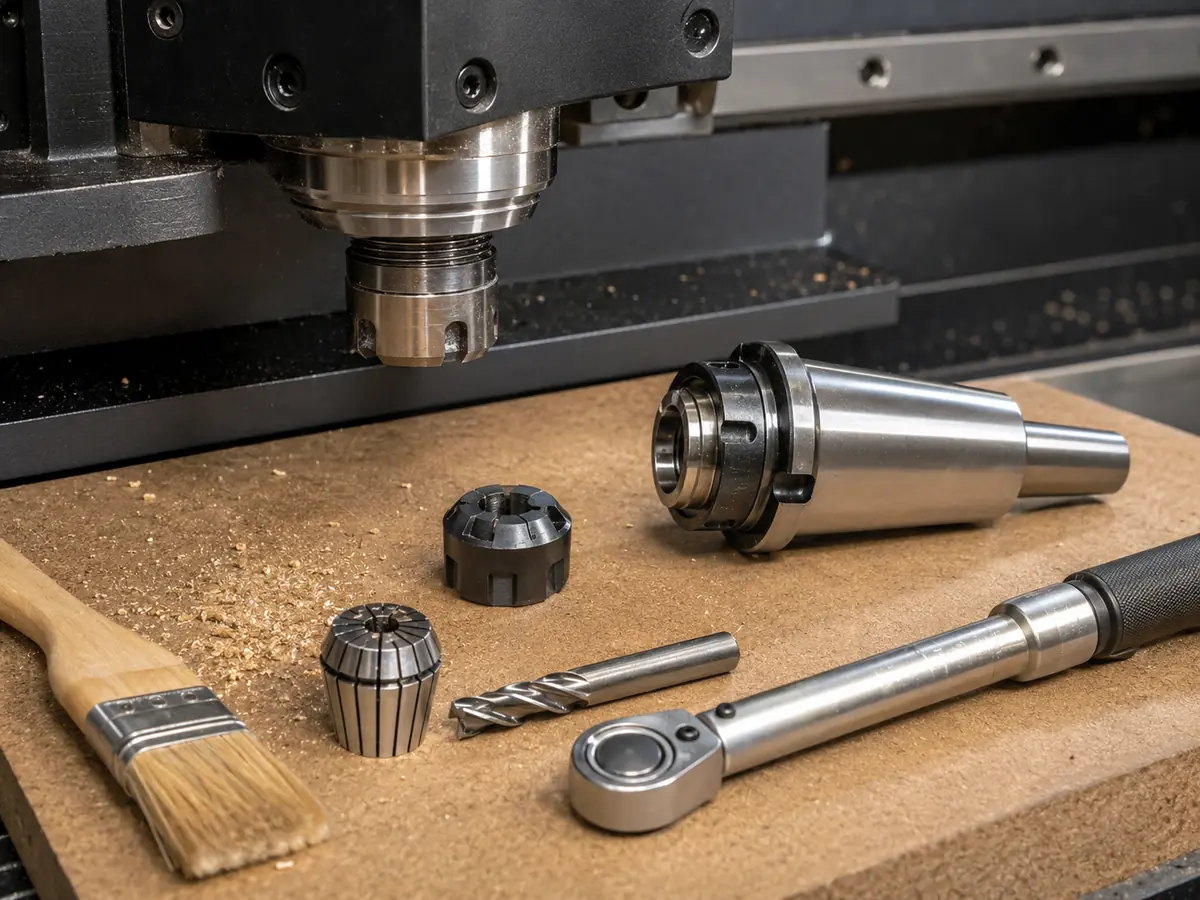
Inspect the collet/holder, tool stickout, runout symptoms, spindle behavior, workholding and extraction.
If manual tool changes are causing downtime, an ATC CNC router can automate those changes. That is an efficiency decision, not a fix for premature cutting-edge wear.
For a new machine project, define the material, part drawing, tool sequence, workholding and output first. Then narrow the CNC router or furniture CNC machine configuration from the process.
If several new cutters keep showing the same problem, send us one typical part, the current tool/holder setup and a short cutting video.
Production Scenario: Why One Fixed-Hour Rule Creates Two Problems
- What went wrong
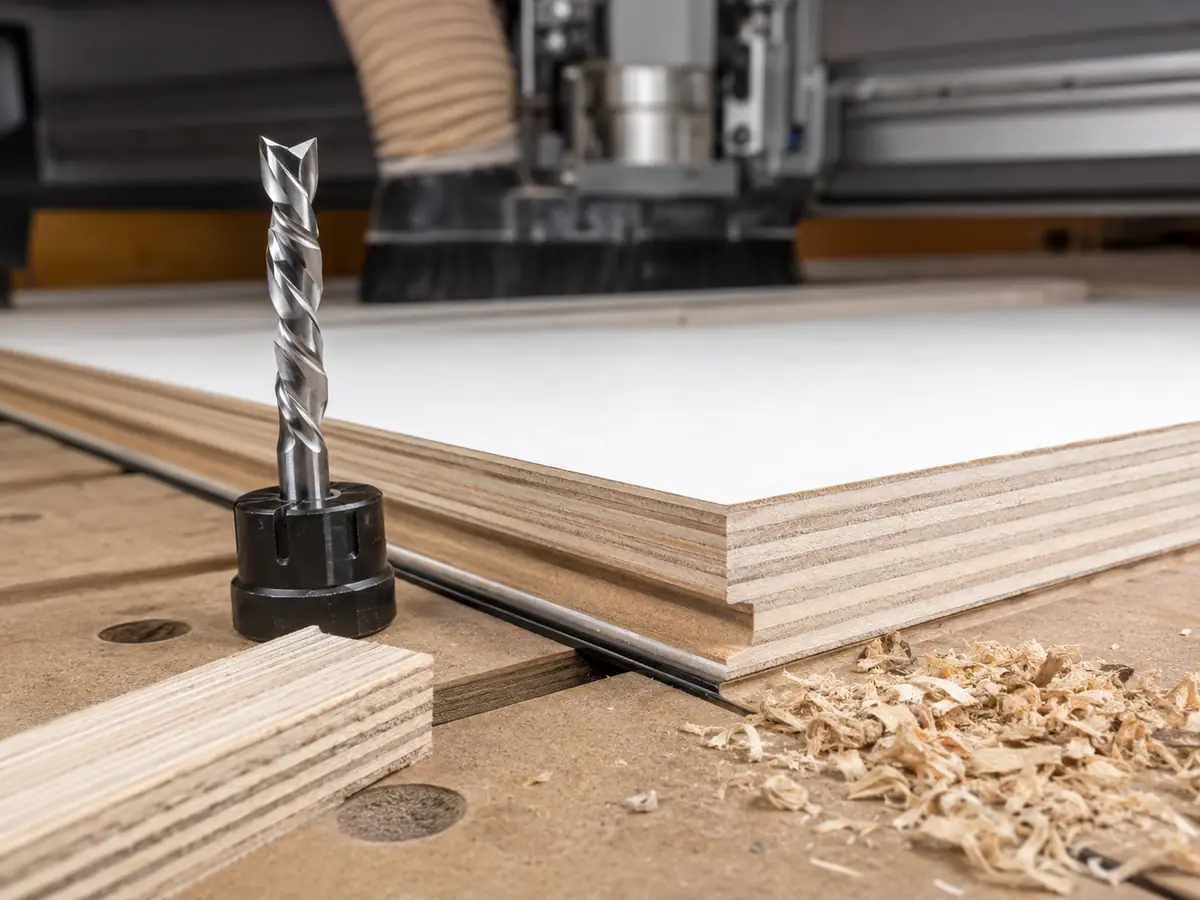
- A panel shop replaces several different cutter types at the same fixed-hour interval because the schedule is easy to manage.
- What happens
- Some tools are discarded while they still produce acceptable edges, while another cutter reaches poor-quality output before the scheduled change.
- Root cause
- The rule counts time but ignores material, operation, tool geometry, engagement, quality limit and toolholding condition.
- Better production rule
- Separate the main tool-material-operation groups, record cutting exposure and edge quality, then set replacement triggers from repeatable shop history.
The purchasing decision becomes clearer: compare which tool and process deliver the lowest stable cost per accepted part under the required material, finish and output—not which cutter claims the highest number of hours.
Frequently Asked Questions
How long do CNC router bits last?
There is no reliable universal hour figure. Tool life changes with material, cutter geometry, feed rate, spindle speed, chip load, cutting depth, tool reach, runout, chip evacuation, workholding and the required finish. For recurring production, build a baseline for each important tool-material-operation combination and replace the cutter when it no longer meets the defined quality condition.
How can I tell if a CNC router bit is dull?
Compare the current cut with a known-good sample. Persistent fuzz, laminate chipping, burning, plastic smearing, a change in cutting sound or worsening finish can indicate wear. First separate edge wear from contamination, wrong parameters, poor chip removal, runout or weak workholding.
Can a dirty router bit act like a dull bit?
Yes. Resin, adhesive residue or melted plastic can interfere with the cutting edge and chip evacuation. Remove the tool, clean it using an approved method, inspect it and retest. Do not use cleaning to hide chipped, cracked or damaged cutting edges.
Can the wrong feed rate or spindle speed shorten router bit life?
Yes. A poor feed-and-speed combination can create rubbing, excess heat, poor chip formation, chatter or overload. Start from the cutter manufacturer’s recommendations, calculate chip load correctly, and validate the setting with the actual material, depth, hold-down and extraction system.
Can collet runout reduce CNC router bit life?
Yes. A dirty, damaged or worn collet or holder can increase runout and uneven cutting load. If new tools repeatedly wear unevenly, chatter or fail early, inspect the toolholding system and spindle condition instead of treating every failure as a cutter-quality problem.
When does ATC matter for router-bit management?
ATC does not extend the life of a cutting edge by itself. It becomes useful when production repeatedly needs several tools, planned replacement tools or frequent changes and manual tool changes are interrupting production. Confirm the actual tool sequence, magazine requirement and holder interface before selecting the ATC configuration.
References
- Freud Tools — Router Bit Feed and Speed for CNC
- LMT Onsrud — Fixturing and Routing of Plastics with CNC
- LMT Onsrud — CNC Router Runout, Collet Inspection and Maintenance
- Quick CNC — CNC Router Bits: Types and Uses
- Quick CNC — CNC Feed Rate and Spindle Speed Guide
Related Quick CNC Guides
Need to Separate a Tooling Problem From a Machine-Configuration Problem?
If new cutters keep developing the same wear, poor edge quality or vibration, changing tools again may not solve the problem. Quick CNC can review the cutting process, toolholding, workholding and machine configuration to help identify where the problem is coming from before you change equipment.
Discuss Your Cutting Problem
Frannie
Hello, I’m Frannie, a CNC machinery specialist with 15 years of experience in the woodworking CNC industry. I help furniture factories, cabinet makers, woodworking workshops, and production businesses choose CNC machines that match their production needs, factory size, budget, and efficiency goals.
My work focuses on solving real production problems, including replacing outdated equipment, improving machining efficiency, reducing labor costs, and upgrading to smarter CNC solutions. I also support customers with machine installation guidance, operation training, video support, and on-site training when needed, helping them use their machines more confidently and effectively.





