CNC Router Applications and Machine Selection
Quick Answer
A CNC router can do much more than cut a sheet. It can profile parts, engrave, groove, pocket, drill and carve. That is why you see CNC routers making cabinet parts, doors, furniture components, signs, acrylic displays, molds, jigs and decorative panels.
But not every CNC router can do every one of those jobs well. What the machine can really handle comes down to your material, part size, part shape, tool access, workholding and how you need the job to run every day.
A machine that makes one clean sample can still be the wrong machine for production. Start with the part and the process—not the machine name, spindle power or number of axes.
Four things worth knowing first:
- A CNC router can cut, groove, pocket, engrave, drill and carve, but the exact capability depends on the setup.
- Part geometry decides whether 3-axis machining is enough or whether rotary or multi-axis access is actually needed.
- ATC is useful when your real programs use several tools—not simply because a larger magazine looks better on a specification sheet.
- A good sample proves a part can be made once. Production flow tells you whether the machine really fits the job.
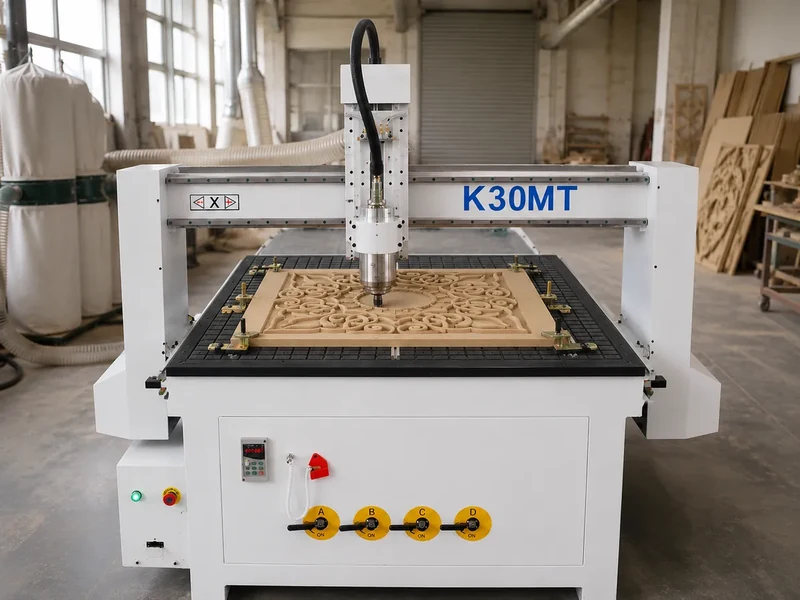
What Can a CNC Router Actually Do?
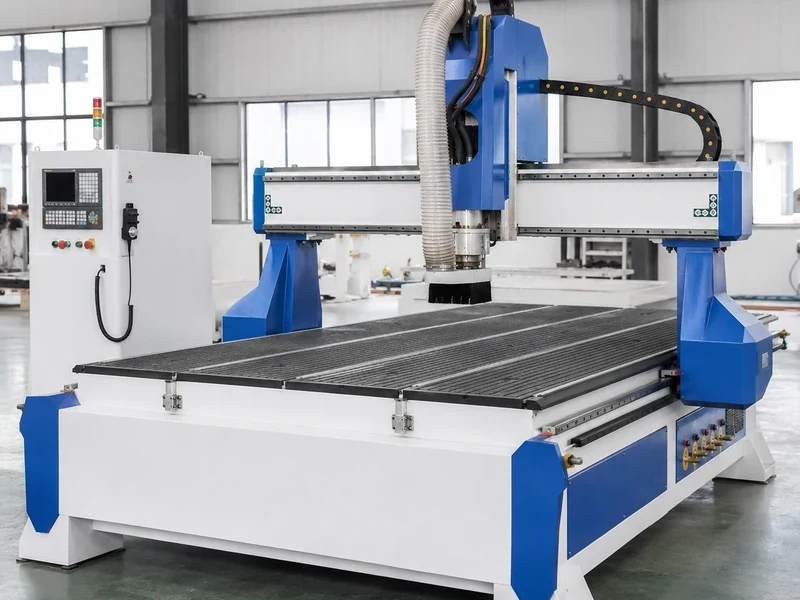
Cutting and Profiling
For flat work, this is the job most people think of first. A CNC router can cut cabinet panels, door parts, sign blanks, furniture components and templates straight from a sheet or blank.
The toolpath looking possible on screen is not enough. The cutter still has to reach the full depth, the part has to stay in place and the machine has to remain stable through the cut.
Engraving and Lettering
Logos, lettering, ID marks and decorative patterns are normal CNC router work. You see them on signs, display parts, branded panels and furniture decoration.
Small details depend heavily on cutter choice and setup. A fine cutter cannot give you a clean result if the material moves or the tool is not stable.
Grooving and Pocketing
Grooves, dados, rebates and pockets are common in cabinet construction, furniture joints, fixtures and mold work.
For deep or narrow pockets, do not look at Z travel alone. The cutter needs enough reach, the holder needs clearance, chips need somewhere to go and the tool still needs to stay rigid.
Drilling and Boring
A standard router spindle can make suitable vertical holes when the tool, software and setup support it. That works for locating holes, selected hardware holes and other drilling from the top.
If a panel has a lot of holes, a drill bank or boring unit can be more practical than asking one router bit to handle the whole pattern.
This is also where the wrong machine gets selected quite often. Drilling down from the top is not the same job as drilling cabinet connector holes on several faces. If you have side holes or a heavy multi-face drilling pattern, compare the job with a drill bank, PTP machine or six-sided drilling machine.
Joinery
A CNC router can make mortises, slots, dados, tenons and other joint features. Just remember that the cutter is round, so inside corners, cutter access and the mating part still have to suit the process.
Some joints are easy from one side. Others require the part to be flipped, repositioned or machined on a machine that can reach another face.
Relief Carving and 3D Routing
A 3-axis router can already do plenty of 3D work. Reliefs, contours, decorative panels, molds, models and carved furniture parts are all possible when the cutter can reach the surface.
Once a part becomes round, multi-face or heavily undercut, the job changes. You may need a rotary setup, another fixture position or true multi-axis movement. Do not pay for more axes unless the part actually needs the extra access.
For a deeper comparison, see our 3 Axis vs 4 Axis vs 5 Axis CNC Router guide.
What Can You Make With a CNC Router?
The better question is not simply, “Can a CNC router make this?” Ask, “Which CNC router can make it the way I need, at the output I need?”
| Product group | Common materials | Main CNC work | What matters most | What may still happen after routing |
|---|---|---|---|---|
| Cabinet and wardrobe parts | Plywood, MDF, particle board | Nesting, profiling, grooving, vertical drilling | Sheet size, hold-down, drilling requirements and labeling flow | Edge banding, side or multi-face drilling, sorting and assembly |
| Furniture components | Solid wood, plywood, MDF | Profiling, pocketing, joinery and carving | Part geometry, fixtures, cutter access and number of setups | Sanding, finishing and assembly |
| Doors and decorative panels | MDF, wood and similar panels | Profiling, engraving, pocketing and relief carving | Working area, tool changes, cutting depth and surface finish | Sanding, coating and hardware fitting |
| Signs and lettering | Wood, plastic and suitable sheet materials | Profiling, engraving and pocketing | Detail size, cutter choice, edge quality and chip control | Painting, lighting or assembly |
| Acrylic displays | Acrylic sheet | Profiling, slotting, pocketing and engraving | Acrylic grade, tooling, hold-down and chip removal | Polishing, bending or assembly |
| Stair and rotary parts | Wood blanks | Profiling, carving and rotary machining | Part diameter, length, rotary method and cutter access | Sanding and finishing |
| Molds, models and prototypes | Wood, foam, plastic or suitable tooling material | Pocketing, contouring and 3D routing | Usable Z clearance, cutter reach, rigidity and surface requirement | Hand finishing, coating or inspection |
| Jigs and fixtures | Wood, plastic or suitable sheet material | Drilling, pocketing and profiling | Dimensions, material stability and repeatability | Hardware installation and checking |
Use the table as a starting point, not as a promise that every router can handle every job. The drawing, material and production method still decide the machine.
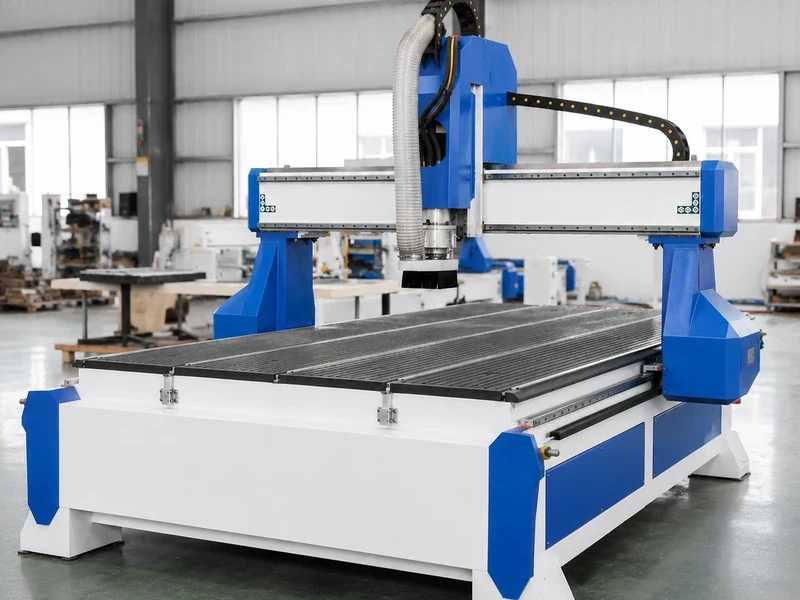
More application categories are available on the Quick CNC applications page.
Which Materials Fit CNC Router Work?
CNC routers are widely used for wood, plywood, MDF, particle board, acrylic, plastics, foam and other suitable routing materials. The material still changes the cutter, workholding, chip or dust control and sometimes the machine setup itself.
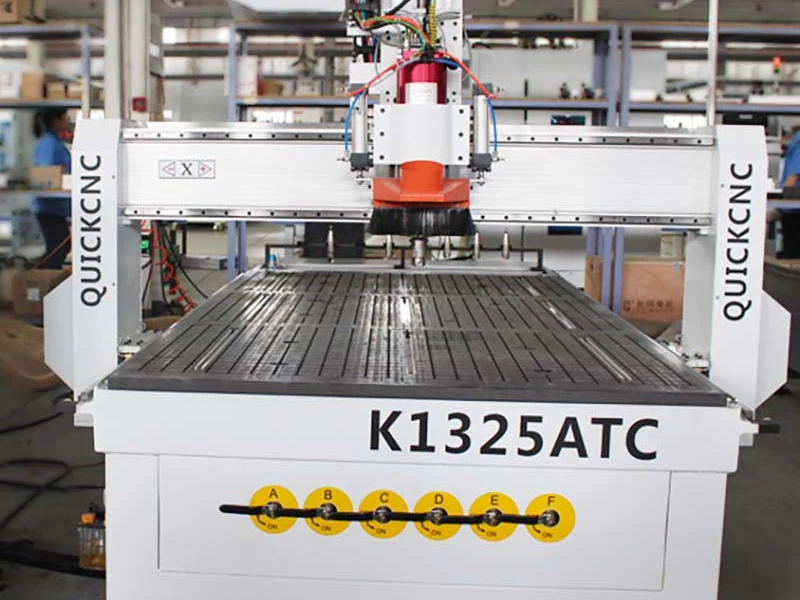
Wood and Wood-Based Panels
Wood, plywood, MDF and particle board cover a large share of cabinet, door, furniture, wall-panel and sign work. Density, coating, thickness and board quality still change tooling, dust, hold-down and edge finish. For deeper woodworking selection, see our CNC Router for Woodworking guide.
Acrylic and Other Plastics
Acrylic and other plastics are normal router applications when the cutter, workholding and chip removal suit the material. Do not copy one feed and speed across every sheet; grade, thickness and finish target all matter. See the acrylic CNC routing guide for process details.
Foam and Modeling Materials
Foam works well for molds, patterns, prototypes and large 3D models, but deep parts can require much more usable Z clearance and longer tooling than normal sheet work.
Selected Composites, Stone and Soft Metals
Some CNC routers can process selected composites, stone or soft metals, but these should be treated as separate machine-selection requirements. Spindle, tooling, workholding, chip or dust control and cooling can all change. A standard woodworking router is not automatically a stone or metal machine.
Plan Dust Control and Safety With the Machine
Wood routing creates dust, chips, fast cutter movement and moving machine parts. Extraction, guarding, emergency stops and operator access should be planned around the actual installation.
For general references, see OSHA’s woodworking guidance and wood-dust hazard guidance. The final installation still needs to follow the machine manual and the workplace requirements that apply where the machine is installed.
What Really Decides What Your CNC Router Can Do?
Start With the Part Size
Working area tells you where the cutter can move, but not how you will load the job or whether fixtures, tall parts or rotary setups will fit. Start with your normal part and biggest part, then check loading direction and clearance.
Let the Part Shape Decide the Axes
Flat parts that are fully reachable from above are often a good fit for 3-axis or nesting. Round, multi-face or undercut parts may need rotary work, extra setups or true multi-axis movement. A rotary attachment is not automatically the same as simultaneous 4-axis machining.
Thick Parts Need More Than Z Travel
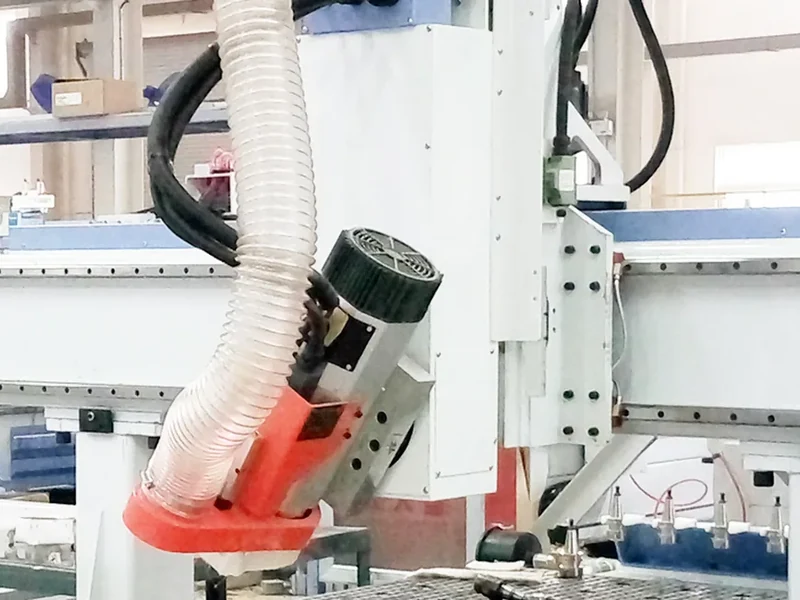
You still need room for the part, fixture, tool holder and cutter, and the cutter must stay rigid enough to work. A drawing tells you far more than material thickness alone.
How Many Tools Do You Really Use?
ATC is valuable when a normal job genuinely uses several tools. Count the tools in a real program first instead of choosing the largest magazine on the brochure.
How Are You Going to Hold the Part?
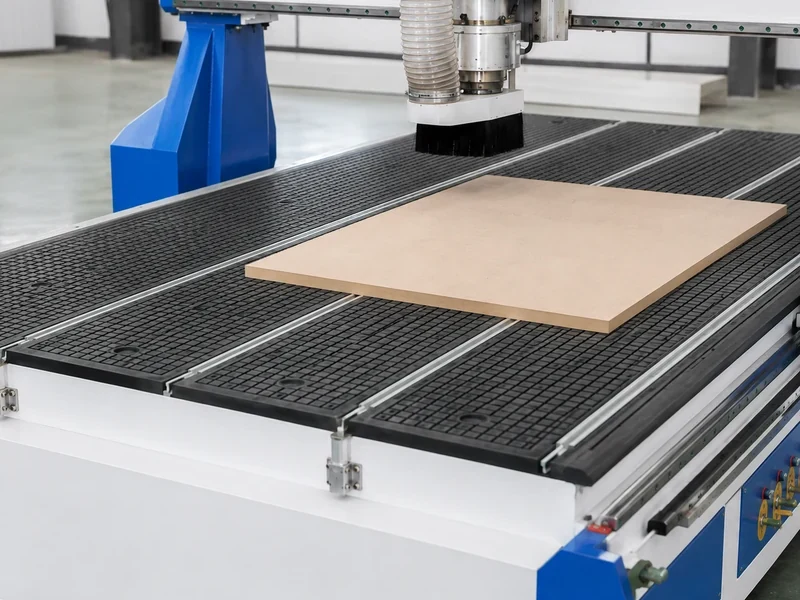
Full sheets are often easier to hold than small, porous or irregular parts. Check part area, leakage, spoilboard condition, porosity, fixtures and cutting force rather than choosing a vacuum system from the pump number alone.
Make Sure the Software Talks to the Machine
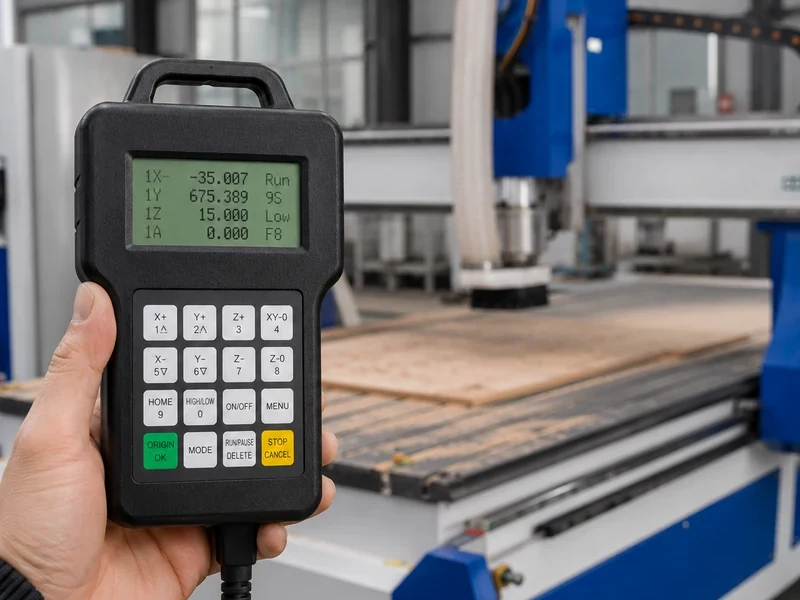
Run the real CAD → CAM → post-processor → controller chain before buying. A file extension on a compatibility list does not prove your normal toolpath is ready to run.
Can It Keep Up With Your Production?
A machine that makes a good part can still be the wrong production machine. Loading, tool changes, drilling, unloading, edge banding and sorting can become the real bottleneck.
| Production need | What to look at | What can become the bottleneck |
|---|---|---|
| Flat sheet cutting | 3-axis router or nesting configuration | Drilling and downstream handling may still limit output. |
| Jobs using several tools | ATC router | Match the magazine to the tools you actually use. |
| Cylindrical or complex parts | Rotary, indexed or multi-axis setup | Part support, cutter access and actual axis movement. |
| Cabinet batch production | Nesting, drilling and workflow automation | Edge banding, side drilling, sorting and assembly may still limit output. |
| Deep foam or mold work | Usable Z clearance and tool access | Long-tool reach and rigidity can become the limit. |
Already have a drawing? Send us one normal part, the material and your daily output. We can first narrow the job toward a standard router, ATC, nesting, drilling/PTP or multi-axis setup.
When a CNC Router Is Not the Best Tool
A CNC router is versatile, but some jobs are better handled by another machine from the start.
| Main requirement | Equipment or process to compare | Why it may fit better |
|---|---|---|
| Fine non-contact cutting or engraving | Suitable laser system | A laser may fit when kerf, detail, material response and non-contact cutting match the job better. |
| Flexible fabric, gasket or soft material cutting | CNC knife cutter | A knife process can be more suitable than using a rotating cutter on compatible flexible materials. |
| Dense multi-face cabinet drilling | Six-sided drill or suitable boring equipment | It can reduce repositioning when holes are required on several panel faces. |
| High-volume straight panel sizing | Panel saw or beam saw | A saw-based process can make more sense for repetitive straight sizing. |
| Edge finishing and tape application | Edge bander | Routing does not replace the dedicated edge-banding step. |
| Heavy metal removal or tight metal-machining requirements | Suitable metalworking machine tool | Use equipment designed for metal machining instead of forcing a woodworking router into the job. |
The right answer comes back to the finished part, material, required quality and how the job moves through the rest of the factory.
Can One CNC Router Handle the Whole Furniture Line?
Usually not. A router or nesting machine can cover a large part of the front-end work, but panel-furniture production still has important steps before and after the CNC.
A typical flow may include:
- Panel sizing or nesting.
- Profiling, grooving and supported vertical drilling.
- Side or multi-face drilling where required.
- Edge banding.
- Labeling, sorting and part tracking.
- Hardware installation.
- Assembly and inspection.
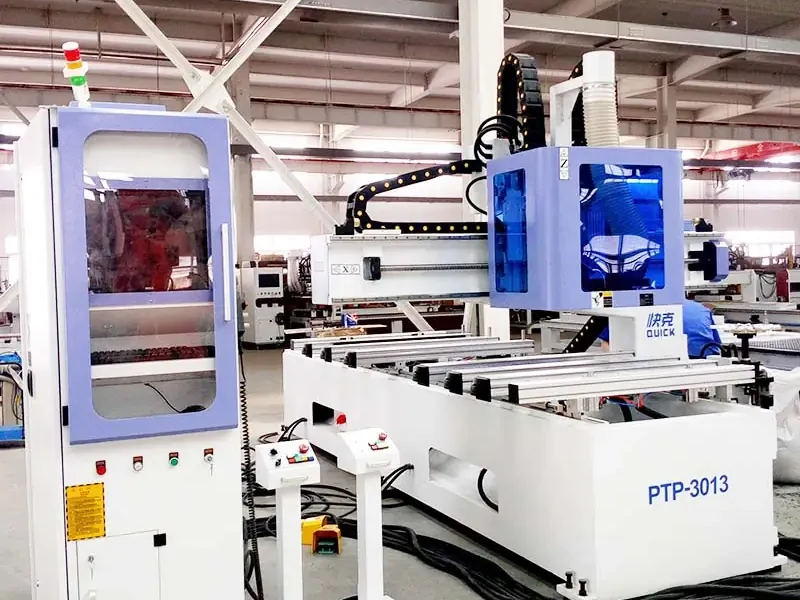
That is why a furniture factory may still need an edge bander, six-sided drilling machine, panel saw or material-handling equipment around the CNC router. You can compare related equipment in our Furniture CNC Machine category.
The goal is not to automate every step just because automation is available. Find the process that is holding finished output back, then solve that bottleneck first.
One Good Sample Still Doesn’t Mean You’re Ready for Production
One clean sample is useful, but it only proves that one part worked in one setup. It does not prove the same result will hold through repeated sheets, normal tool wear and everyday loading and unloading.
| What you are checking | One sample can show | You still need to know |
|---|---|---|
| Part geometry | The machine can make this part in this setup | Whether your normal product mix needs extra setups or different tooling |
| Workholding | This part stayed in place during the test | Whether small, porous and cut-through parts remain stable every day |
| Finish and tool life | The edge or surface looks good now | Whether the result stays acceptable as the cutter wears and jobs repeat |
| Production flow | The CNC machining cycle can be demonstrated | Whether loading, tool changes, drilling, unloading, edge banding and sorting can keep up |
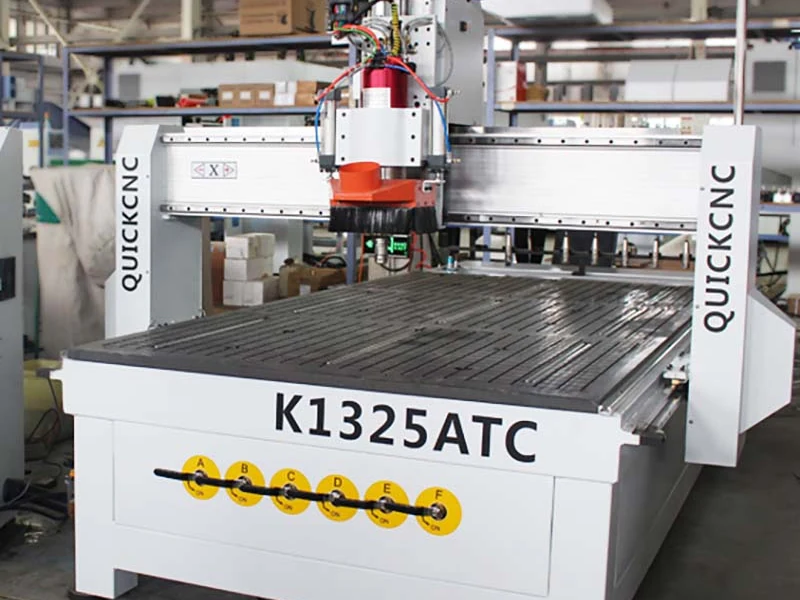
Simple rule: do not judge production from spindle power, axis count or one fast demonstration. Look at the complete cycle around the parts you actually need to make.
Before You Buy, Test the Part That Gives You Trouble
Do not choose the easiest demo file just to get a clean-looking sample. Test the part that represents the real problem the new machine needs to solve.
If small parts move, test a small part. If one panel has a heavy hole pattern, run that pattern. If the job uses several tools, run the complete tool sequence. If a deep pocket or curved surface matters, include it.
For a useful test, send:
- the real material and thickness;
- the actual drawing with the difficult features;
- the full tool sequence when multiple tools are involved;
- the workholding method you expect to use;
- the dimensions, finish or production steps that matter most.
A clean demo video is easy to watch. What matters is whether the machine can handle your material, your drawing and the difficult part of your normal production.
Common Questions We Hear
Can a CNC router cut metal?
Some routers can handle selected soft metals, but do not assume a standard woodworking router is a metal machine. If metal is part of the job, look at machine structure, spindle, cutter, workholding, chip control and whether cooling or lubrication is required.
Can a CNC router make furniture?
Yes. A suitable CNC router can make cabinet panels, door parts, furniture components, joints and decorative features. Routing is only one part of the process, though. Multi-face drilling, edge banding, sanding, finishing, hardware and assembly can still be separate steps.
Can a CNC router cut and drill in one setup?
Yes, when the drilling comes from the top and the machine, tooling and program are set up for it. If the panel has many hole sizes or needs side and multi-face drilling, a drill bank, PTP machine or six-sided drilling machine may fit better.
Do I need an ATC CNC router?
If a normal job uses several tools, ATC can remove a lot of manual stop-and-change time. If you run one cutter most of the day, ATC may not be the first upgrade you need. Count the tools in a real program before deciding on magazine size.
What files can a CNC router use?
That depends on the CAD/CAM software, post-processor and controller. Do not stop at the file extension. Run the software chain you plan to use and make sure the post produces a program the controller can read correctly.
Is a rotary attachment the same as a four-axis CNC router?
Not always. A rotary attachment can index or rotate a part, but that does not automatically mean the machine is performing true simultaneous 4-axis machining. The important question is how the rotary axis moves during the cut and whether the CAM setup supports that movement.
Send Us a Part. We’ll Help Narrow the Machine Down.
Send your material, part size, one normal drawing and the machining steps you need. We can first rule out the machine types that do not fit, then narrow the configuration around the real production job.

Frannie
Hello, I’m Frannie, a CNC machinery specialist with 15 years of experience in the woodworking CNC industry. I help furniture factories, cabinet makers, woodworking workshops, and production businesses choose CNC machines that match their production needs, factory size, budget, and efficiency goals.
My work focuses on solving real production problems, including replacing outdated equipment, improving machining efficiency, reducing labor costs, and upgrading to smarter CNC solutions. I also support customers with machine installation guidance, operation training, video support, and on-site training when needed, helping them use their machines more confidently and effectively.





