Search results for “best laser wood cutter” are packed with desktop machines for hobby projects and personalized gifts. Those are real use cases—but they’re not the same as running a woodworking shop, sign-making business, or a factory line.
This guide gives you what you came for (a Top 10 list), then helps you make the decision that actually matters: Which laser type fits your wood workflow—and when a CNC router is the better production machine.
Quick Comparison: Top 10 Laser Wood Cutter Engraving Machines (2026)
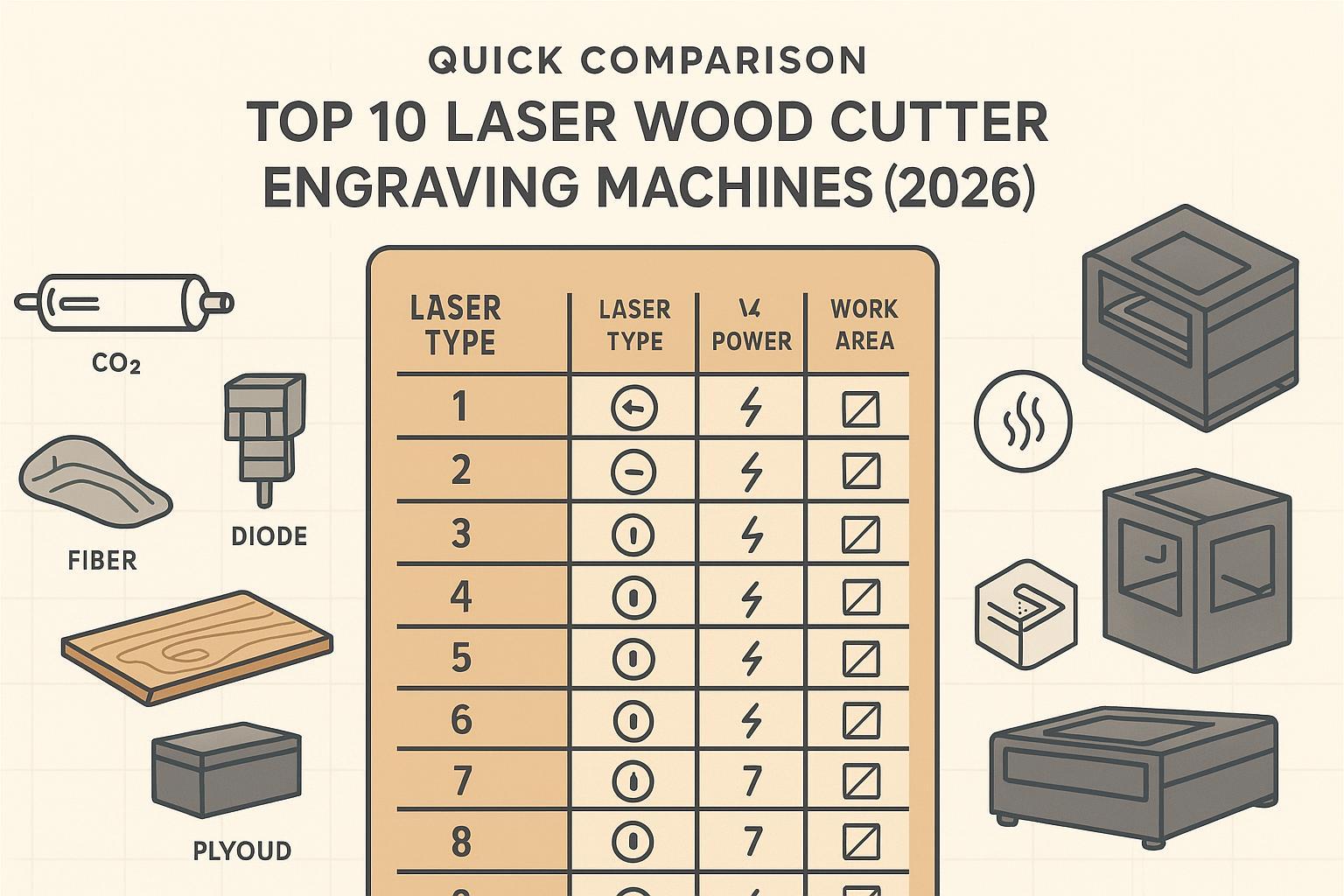
Quick note on the list: Most “top” models in 2026 are still desktop/prosumer machines. They’re excellent for engraving and thin-material cutting, but they’re not designed for full-sheet cabinet production or multi-shift factory cutting.
Rank | Machine | Laser type | Power (typical) | Work area (typical) | Best for | Not best for |
|---|---|---|---|---|---|---|
1 | xTool P2S | CO2 | ~55W | ~498×319mm | Faster wood cutting + small-batch products | Full-sheet panels, 24/7 production |
2 | xTool P3 | CO2 | ~80W | ~915×458mm | Larger signs, longer runs, higher throughput | Small spaces, low ventilation |
3 | OMTech Polar (desktop) | CO2 | ~50W | desktop class | Value CO2 for wood + acrylic | Tight apartments; heavy daily duty |
4 | Flux Beamo | CO2 | ~30W | ~300×210mm | Compact CO2 for light cutting/engraving | Thick wood cutting at speed |
5 | xTool S1 | Diode | up to ~40W | desktop class | Enclosed diode for engraving + light cutting | Clear acrylic; fast thick cuts |
6 | WeCreat Vision Pro | Diode | up to ~45W | desktop class | Enclosed, small-business engraving workflow | Thick plywood production cutting |
7 | Ortur Laser Master 4 | Diode | ~20W class | open-frame | Budget-friendly engraving + thin plywood | Indoor use without enclosure/exhaust |
8 | Creality Falcon2 (enclosed options) | Diode | 20–40W classes | desktop class | Value diode options, maker workflows | High-duty commercial cutting |
9 | Glowforge Aura | Diode | ~6W | ~12×12 in | Beginner gifts/crafts, easy workflow | Cutting speed; thicker materials |
10 | xTool F1 Ultra | Dual (fiber + diode) | ~20W+20W | desktop class | Wood engraving + metal marking in one setup | Wood cutting as a primary job |
*Why “typical”? Specs vary by configuration and region. Use this table to narrow down categories, then confirm the exact configuration from the manufacturer.
How We Chose These Wood Laser Cutters and Engravers
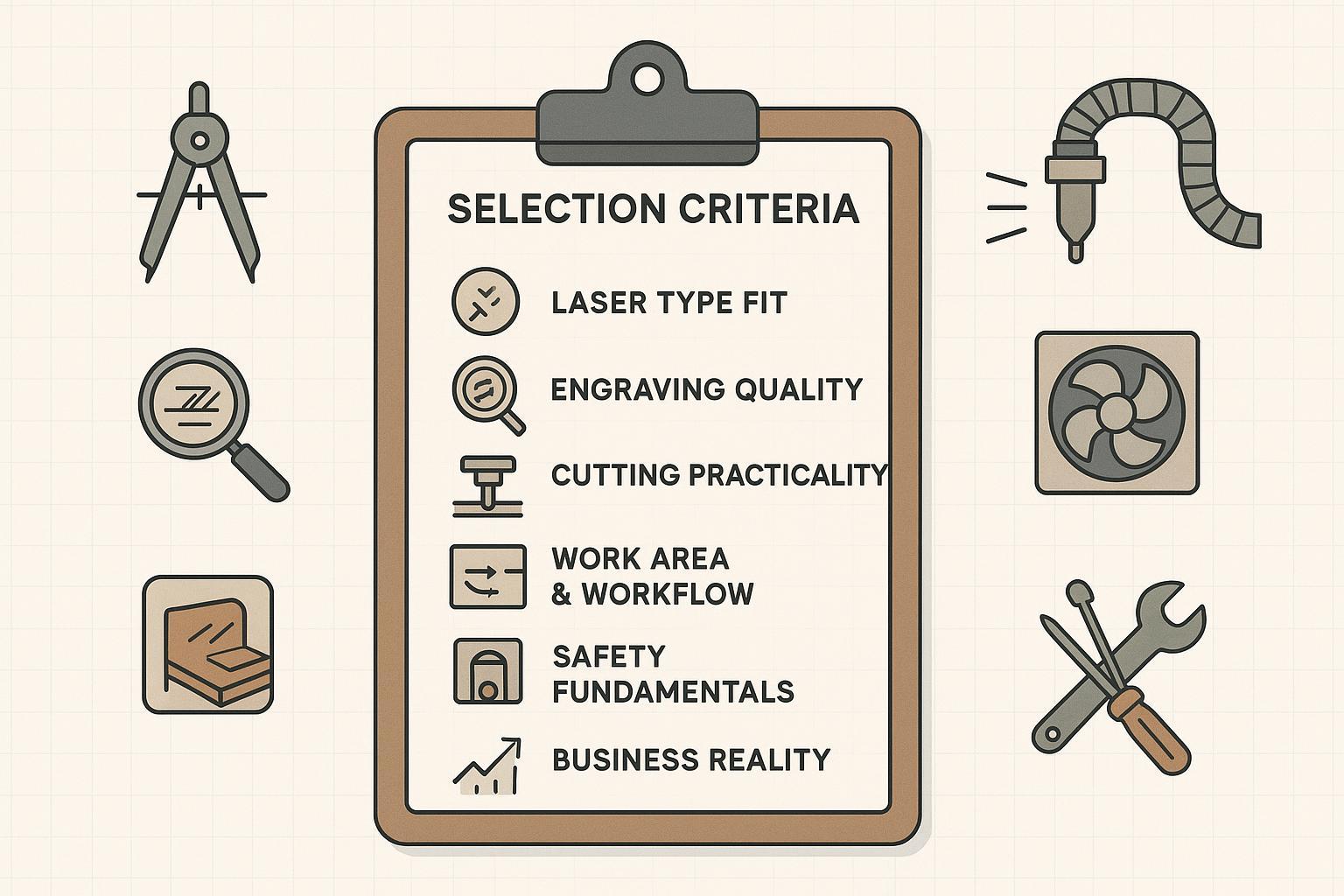
This isn’t a “best gadgets” list. The goal is to help you buy a machine that’s safe, repeatable, and profitable.
Selection criteria:
- Laser type fit for wood (diode vs CO2 vs fiber)
- Engraving quality (detail, control, consistency)
- Cutting practicality (real optical power, air assist, bed design, smoke control)
- Work area and workflow (batching, pass-through, positioning)
- Safety fundamentals (enclosure, interlocks, emergency stop, fume extraction)
- Business reality (duty cycle expectations, maintenance, consumables, support)
Laser Engraving vs Laser Cutting: What’s the Difference?
People mix these terms constantly. Here’s the clean way to think about it:
Term | What it means | Typical wood use |
|---|---|---|
Laser cutting | Cuts through the material | Signs, ornaments, puzzles, thin plywood parts |
Laser engraving | Removes surface layer to create a recessed mark | Logos, text, photos, decorative surface patterns |
Laser etching | Often used to mean “light engraving” | Shallow branding, quick marks |
Laser marking | Industrial term; more common in metals | Serial numbers, IDs, light branding |
A key buying truth: a wood laser engraver isn’t automatically a strong wood laser cutter.
- Engraving performance depends on focus/spot size, motion accuracy, and power control.
- Cutting performance depends on real optical power, air assist, smoke extraction, and bed support.
If you want a simple baseline explanation of wood laser processing, xTool’s academy overview is a decent starting point: xTool’s wood laser engraving and cutting guide.
Diode vs CO2 Laser for Wood (Plus Fiber)
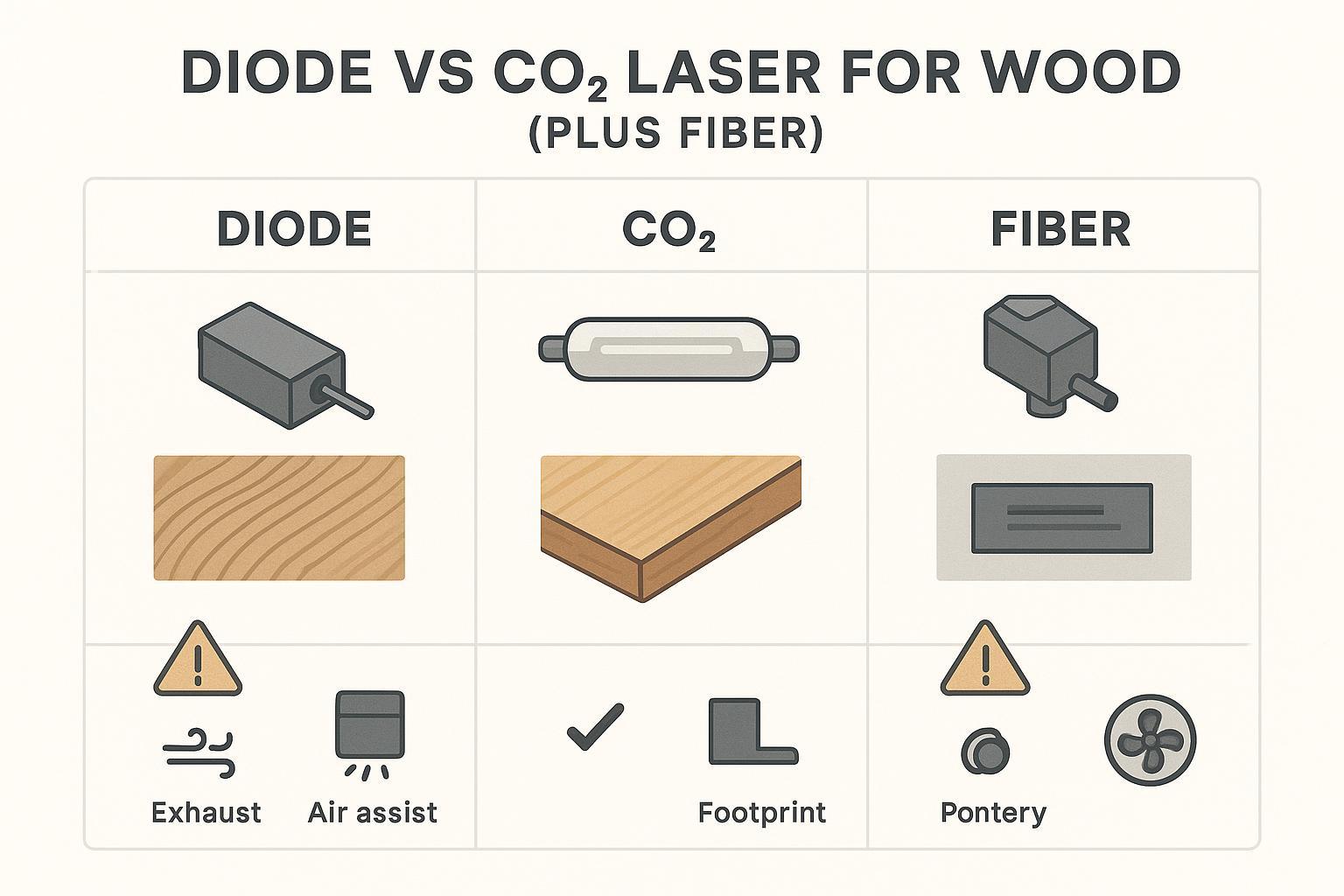
Most buying mistakes come from choosing the wrong laser type. If you’re searching for a laser engraver for wood, you’re usually optimizing for detail and repeatability. If you’re searching for a wood laser cutter, you’re optimizing for throughput, edge quality, and safe smoke control.
Laser type | Best for wood | Weaknesses you’ll feel in real work |
|---|---|---|
Diode | Wood engraving, light cutting on thin stock, entry-level or small craft business | Slower cutting on thicker plywood; more burn risk if smoke control is weak; not ideal for clear acrylic |
CO2 | Faster wood cutting, cleaner acrylic signage, more commercial throughput | Larger machine + stronger exhaust needs; tube cooling and maintenance matter more |
Fiber | Metal marking and metal engraving workflows | Generally not the first choice for wood cutting; wood is not the fiber laser’s “home material” |
For a high-level comparison, see OMTech’s diode vs CO2 vs fiber overview (2026) and xTool’s summary: fiber vs CO2 vs diode laser differences.
Top 10 Best Laser Wood Cutter Engraving Machines of 2026
Below are 10 machines that are commonly recommended in 2025–2026 roundups and buyer guides. The point isn’t that every one is “perfect”—it’s that each represents a clear buyer type.
1) xTool P2S (CO2)
Best for: small-business wood cutting + engraving, signage, faster plywood work, premium gift production
Why it makes the list:
- CO2 is a strong fit for wood cutting and acrylic signage.
- Desktop package is designed for workflows (camera positioning, accessories).
Limitations to know:
- Requires real exhaust planning and space.
- Not a full replacement for production cabinet cutting.
A representative example of how this model is positioned: CNET’s best laser cutters and engravers picks (2026).
2) xTool P3 (CO2)
Best for: larger work area, higher output, longer signs, batch workflows
Why it makes the list:
- Larger bed + higher CO2 power typically translate to better productivity for wood cutting.
Limitations to know:
- Bigger footprint and stronger ventilation requirements.
- Still not “factory nesting” for full sheets.
3) OMTech Polar (desktop CO2)
Best for: value-focused CO2 buyers who want stronger cutting than diode can deliver
Why it makes the list:
- OMTech is frequently recommended as an accessible CO2 path for thicker wood and acrylic compared to diode.
Limitations to know:
- CO2 ownership comes with cooling and maintenance discipline.
4) Flux Beamo (CO2)
Best for: compact CO2 entry, small studio work, light production with a smaller footprint
Why it makes the list:
- CO2 capability in a smaller form factor is attractive for shop-limited users.
Limitations to know:
- Power and bed size cap cutting speed and part size.
5) xTool S1 (enclosed diode)
Best for: people who want an enclosed, safer diode workflow for engraving + light cutting
Why it makes the list:
- Enclosed diode systems reduce “open-frame risk” and help with smoke control.
Limitations to know:
- Diode is still typically slower for thicker plywood than CO2.
- Clear acrylic cutting is usually a CO2 job.
Tom’s Hardware includes this family of machines in its roundup: Tom’s Hardware best laser cutters and engravers (2026).
6) WeCreat Vision Pro (diode)
Best for: small businesses doing lots of engraving and light cutting with a more appliance-like desktop setup
Why it makes the list:
- Commonly recommended as a prosumer enclosed diode option.
Limitations to know:
- If your business model is “cut thick plywood all day,” diode will be a bottleneck.
7) Ortur Laser Master 4 (diode)
Best for: budget-minded makers who understand safety responsibilities and mainly engrave
Why it makes the list:
- Widely recommended in the open-frame diode category.
Limitations to know:
- Open-frame lasers demand extra safety work (enclosure, ventilation, eye safety).
8) Creality Falcon2 (diode)
Best for: value-oriented engraving + thin cutting in maker/small-shop settings
Why it makes the list:
- Frequently mentioned in budget/prosumer diode discussions.
Limitations to know:
- Not built for continuous industrial duty.
9) Glowforge Aura (diode)
Best for: beginners doing gifts/crafts, light wood engraving, classroom-friendly workflows
Why it makes the list:
- Often recommended for ease of use and a more guided software experience.
Limitations to know:
- 6W-class machines can be slow for cutting.
- You’ll hit the ceiling quickly if you move from “gifts” to “production.”
10) xTool F1 Ultra (dual fiber + diode)
Best for: shops that want wood engraving plus metal marking in one footprint
Why it makes the list:
- Dual-laser designs are often recommended for mixed-material businesses.
Limitations to know:
- Great for engraving workflows; not a “primary wood cutting machine.”
Best Wood Laser Cutter by User Type
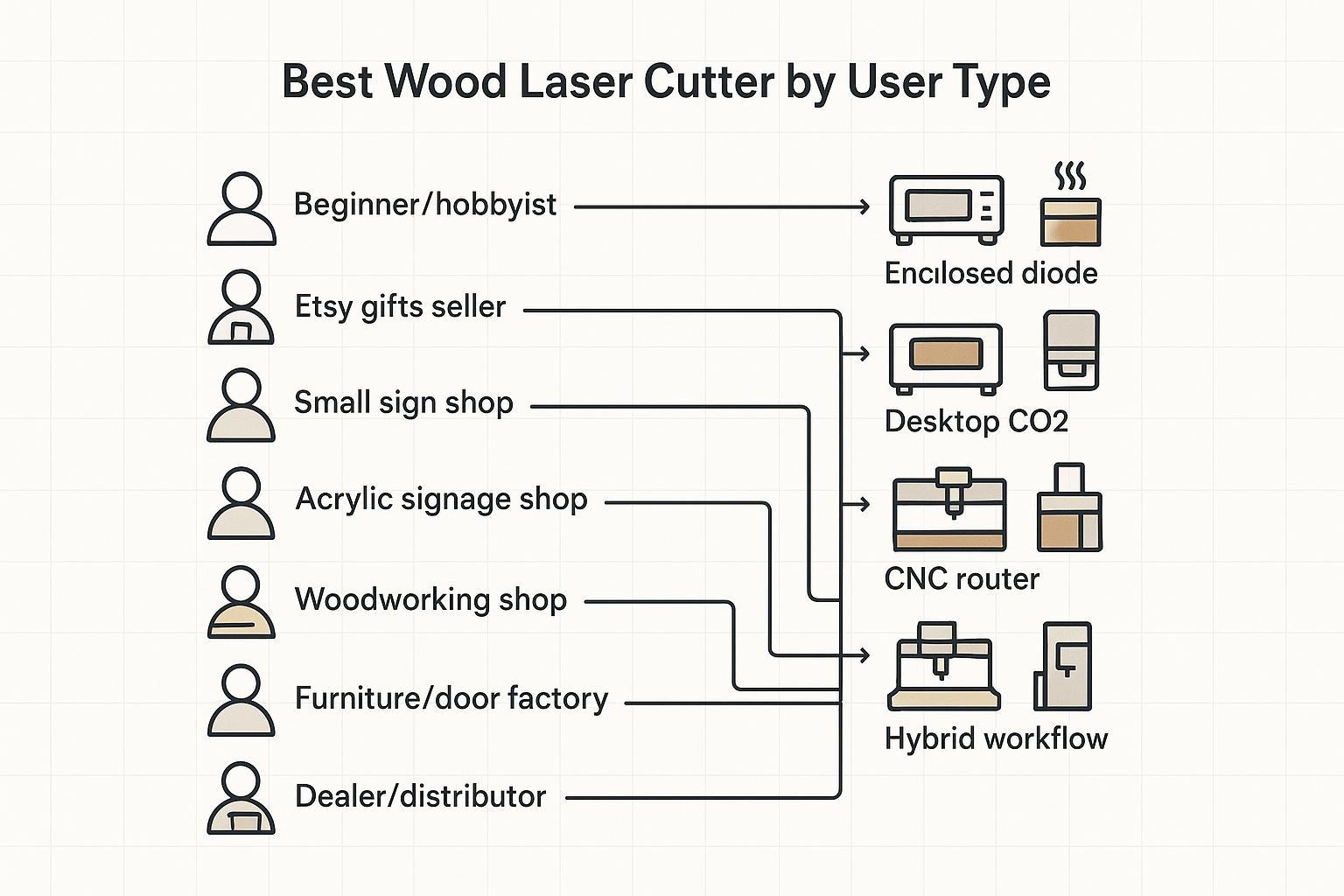
Use this section to pick a direction before you obsess over brands.
User type | Better machine direction |
|---|---|
Beginner / hobbyist | Enclosed diode laser (or low-power diode with strict safety setup) |
Etsy gifts / personalized products | Diode engraver for throughput, or desktop CO2 for faster cutting |
Small sign shop | CO2 laser (work area + air assist + reliable exhaust) |
Advertising / acrylic signage shop | CO2 laser for acrylic edges; add CNC router for thick boards |
Woodworking shop | Laser for logos/inlays/surface patterns + CNC router for cutting/shaping |
Furniture / door factory | Laser for branding/surface detail; CNC router for structure + deep machining |
Dealer / distributor | A tiered line: entry diode + desktop CO2 + CNC routers for production buyers |
Wood Laser Cutter vs CNC Router: Which One Should You Choose?
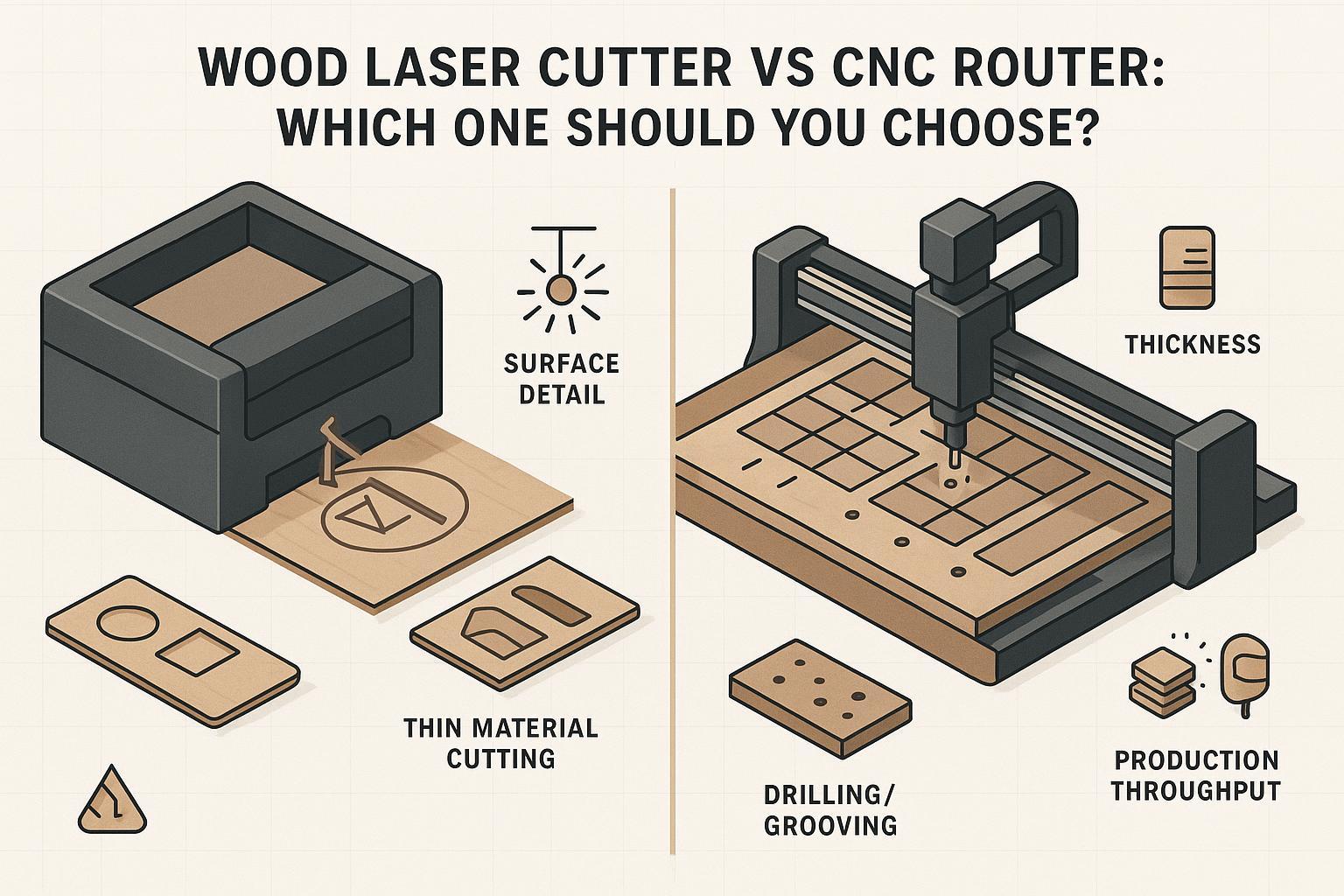
This is the section most “laser only” roundups skip—and it’s where business buyers avoid expensive mistakes.
Use case | Wood laser cutter / engraver | CNC router |
|---|---|---|
Fine logo engraving on finished parts | Excellent (high detail, clean edges) | Possible, but tool marks and setup may be less ideal |
Thin plywood cutting (signs, ornaments) | Excellent, especially with CO2 | Also works, but may be slower for small intricate cuts |
Acrylic signs | CO2 lasers are the standard | Can cut, but edge finish differs |
MDF cabinet panels (18mm class), drilling, grooves | Not a great primary tool | Typically the production choice |
Thick solid wood cutting | Not a great primary tool | Typically the better choice |
3D relief carving | Not suitable for deep carving | Strong fit |
Full-sheet nesting and daily throughput | Not suitable | Strong fit |
Door panels | Great for surface branding and patterns | Better for structure, shaping, joinery, deep carving |
Key Takeaway: Lasers excel at surface detail and thin-material cutting. CNC routers win when you need thick boards, MDF cabinet production, drilling/grooving, nesting, and long-run woodworking throughput.
If you’re in the “cabinet/panel furniture” camp, the practical move is often a two-machine workflow: laser for value-add branding and decorative work, router for structural production.
Materials You Can Cut or Engrave (and what to avoid)
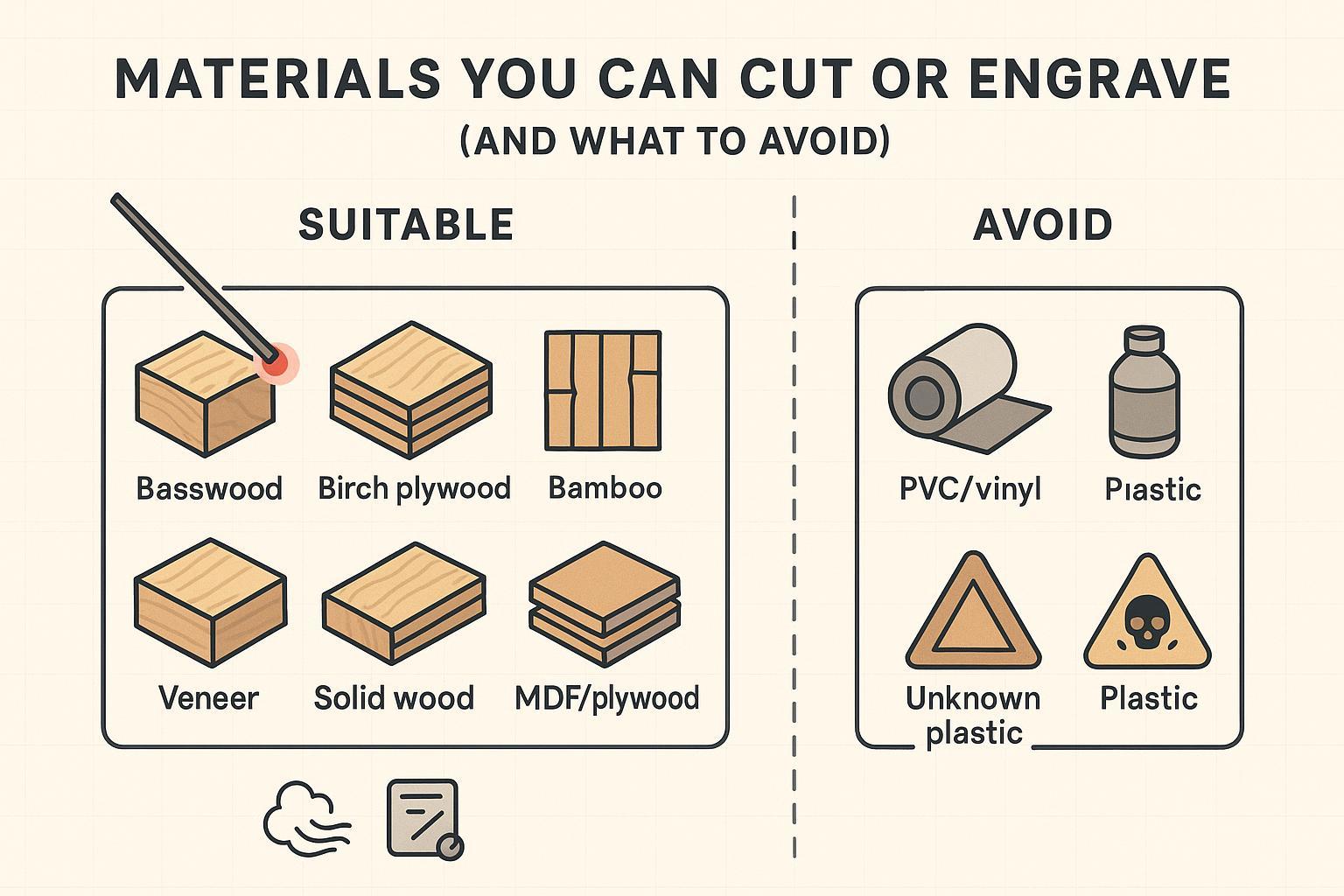
Common wood/material compatibility (always test on scrap first):
- Basswood, birch plywood, bamboo, veneer
- Many solid woods (results vary by species and resin content)
- MDF and plywood (works, but expect more smoke/odor from glues)
- Cardboard/paper (high fire risk—use extreme caution)
- Acrylic: typically best on CO2; clear acrylic is usually not diode-friendly
⚠️ Warning: Avoid PVC/vinyl and unknown plastics. Prohibited materials aren’t just a health issue—they can also corrode optics and damage equipment.
For a formal, institution-grade baseline on hazards and controls, use institution-grade safety guidance as your baseline (especially if you’re operating indoors or around staff/students).
Safety Features You Should Not Ignore
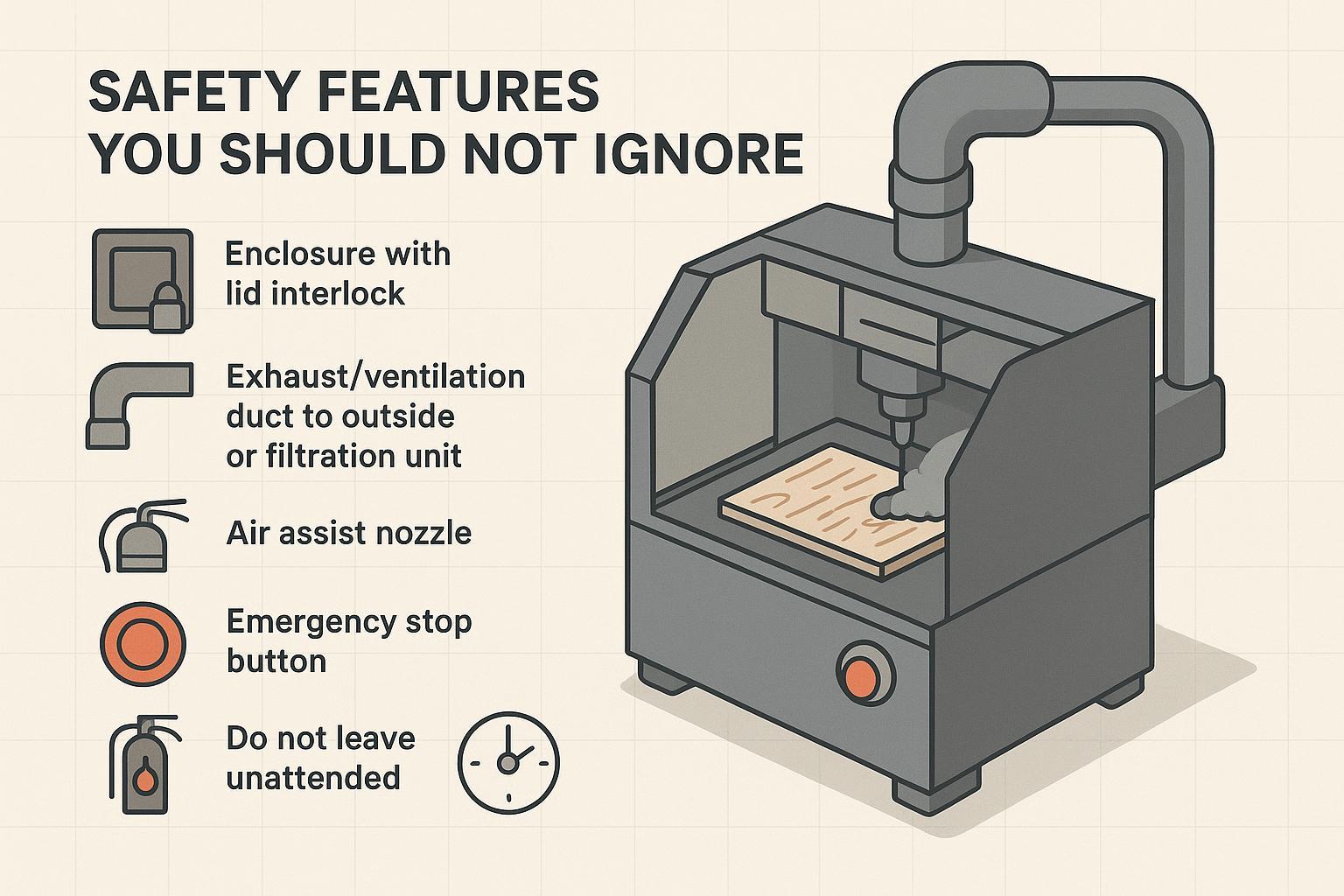
Wood is combustible. Smoke is unavoidable. Safety gear isn’t an “extra.”
Non-negotiables for serious wood laser work:
- Enclosure + lid interlock (especially for shared shops, schools, indoor studios)
- Exhaust to outside or a properly sized fume extraction system
- Air assist for cutting (edge quality + less flare-up risk)
- Emergency stop and easy-access power cutoff
- Fire readiness: keep the machine clean, keep the work area clear, and don’t walk away
Even general manufacturing guidance repeats the same rule: do not run unattended. Example: Xometry’s laser cutting safety rules.
Common Buying Mistakes (Myth vs Fact)
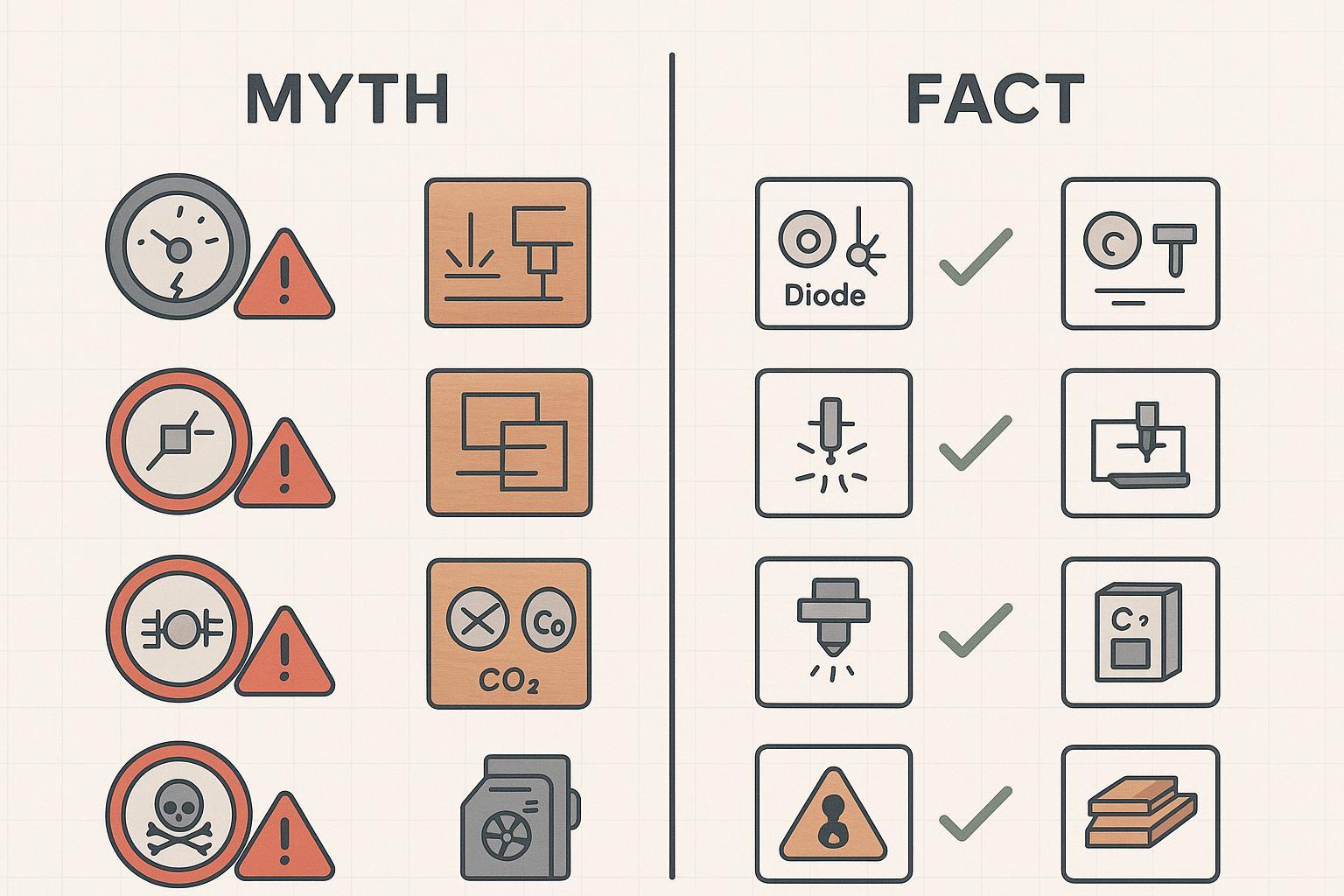
Myth 1: Higher wattage is always better
Fact: Higher power helps cutting speed and thickness, but engraving quality often depends more on focus, motion accuracy, and smoke control.
Myth 2: A wood laser engraver is the same as a wood laser cutter
Fact: Engraving and cutting are different jobs. Cutting needs power + air assist + exhaust + bed support; engraving needs fine control and detail.
Myth 3: Diode lasers are always enough for small business
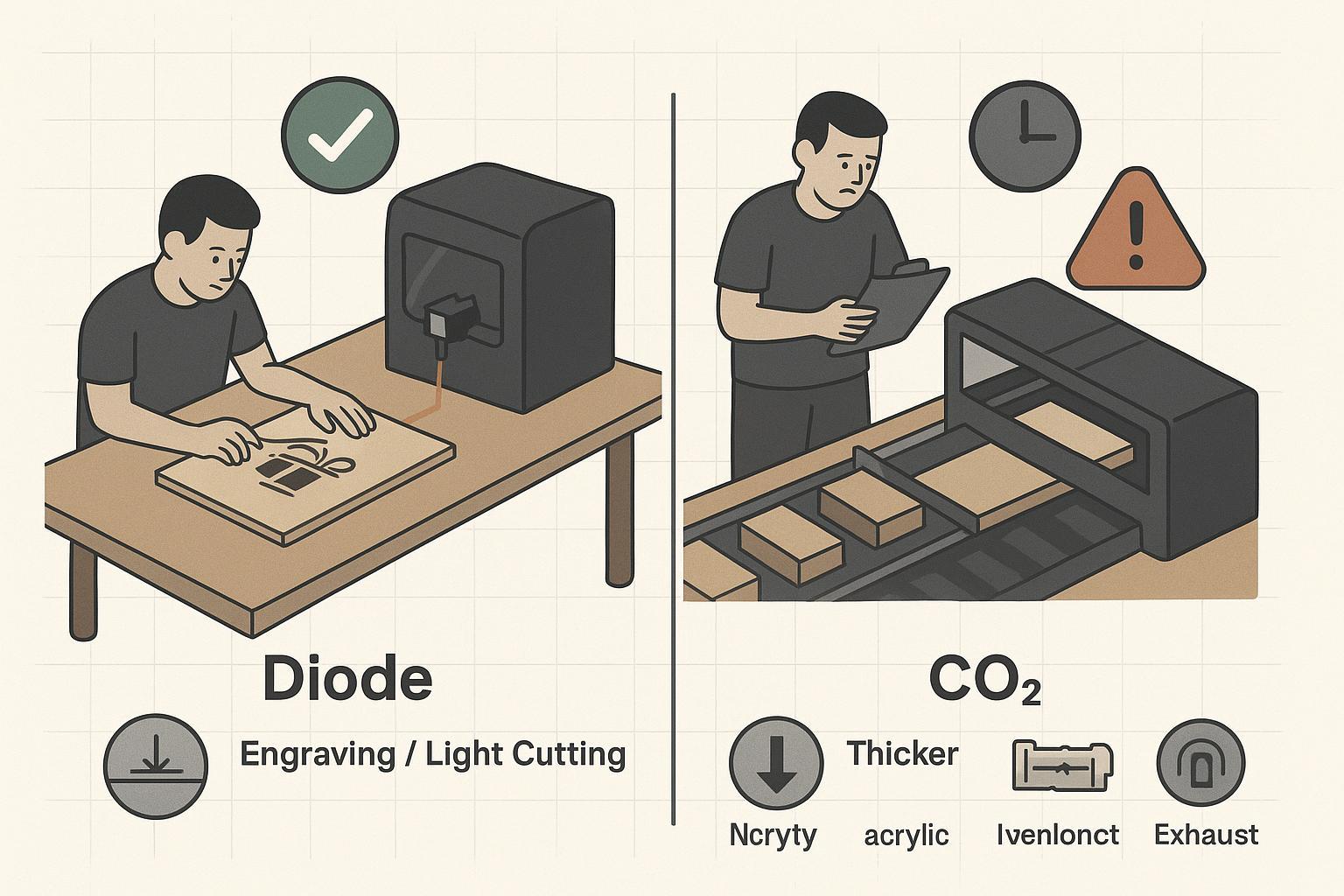
Fact: Diode is great for engraving and thin wood. If your product requires faster cutting, cleaner acrylic edges, or higher daily output, CO2 is often a better fit.
Myth 4: A high-power diode laser replaces a CNC router for cabinet plywood
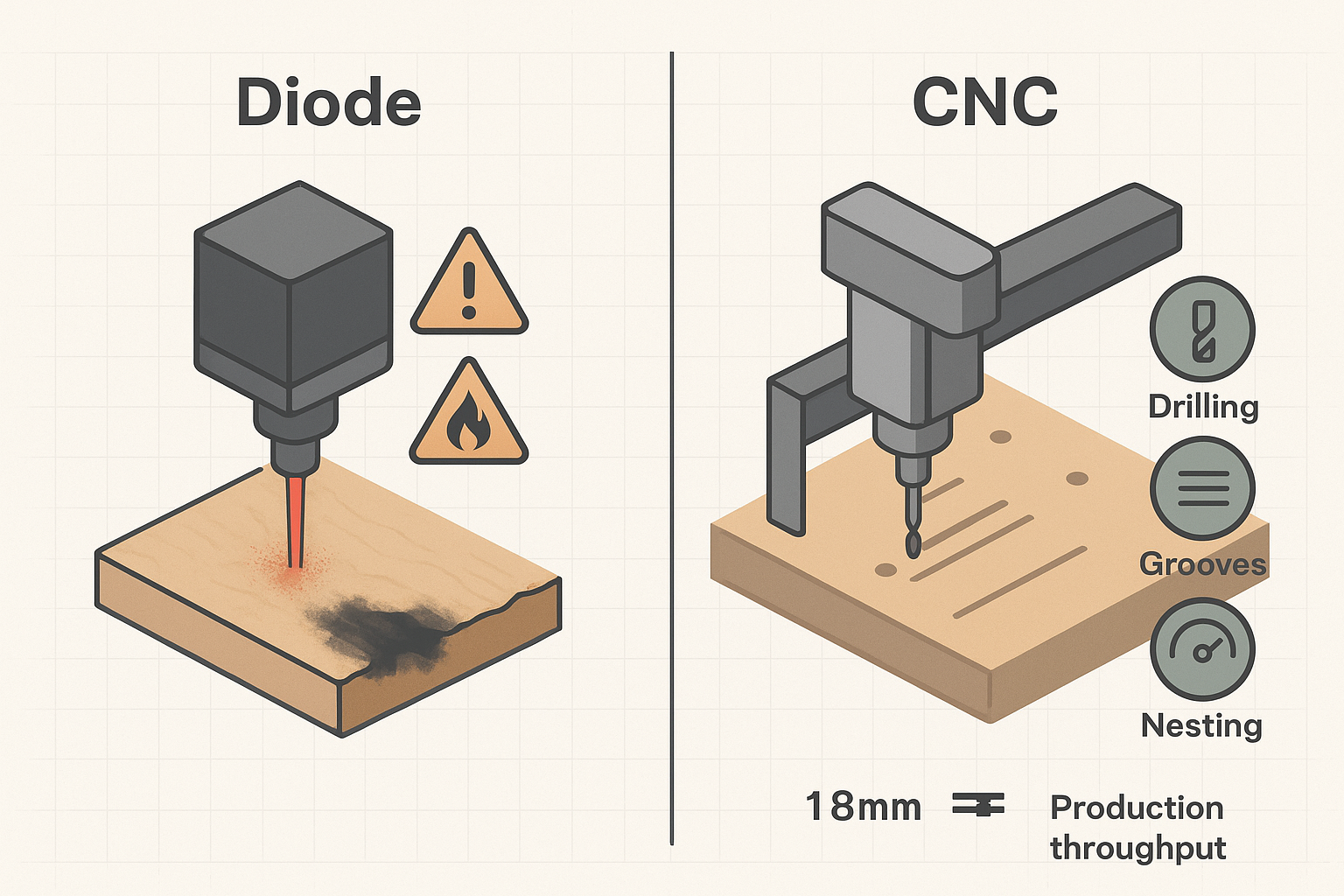
Fact: For MDF cabinet panels, drilling, grooves, and clean structural woodworking, a CNC router is still usually the production tool.
Myth 5: Air assist is optional
Fact: For wood cutting, air assist improves edge quality, reduces burning, and helps lower flare-up risk.
Myth 6: Bucket-and-pump cooling is fine for CO2 production work
Fact: CO2 tubes typically need stable cooling within the manufacturer’s recommended range. For continuous work, an industrial chiller is usually the safer, more consistent approach.
Myth 7: Any wood or board is safe to laser cut
Fact: Coatings, glues, and unknown composites can produce hazardous fumes. Build an approved-material list and verify uncertain materials before cutting.
FAQ
What is the best laser wood cutter engraving machine in 2026?
If you want faster cutting and broader material capability, a desktop CO2 system is often the “best all-around” direction. If you mainly engrave and only occasionally cut thin wood, an enclosed diode machine can be a smarter first buy.
Is diode or CO2 laser better for wood?
For engraving, diode can be excellent value. For cutting speed, thicker wood, and acrylic signage workflows, CO2 is usually stronger.
Can a laser engraver cut wood?
Sometimes—especially thin plywood and softer woods. But many engravers are optimized for detail rather than efficient cutting. Cutting performance depends on real power, focus, air assist, exhaust, and bed design.
How thick can a laser cut wood?
It depends on laser type, real optical power, wood species, plywood glue, focus, speed, number of passes, and air assist. Use manufacturer-tested settings as your baseline and test your actual material.
Is laser cutting wood safe indoors?
It can be, but only with a serious safety setup: enclosure, ventilation/exhaust, filtration as needed, and strict supervision. Institution-grade guidance like MIT’s Laser Cutter Safety Guidance (2024) is a good baseline.
Do I need air assist for wood laser cutting?
If you’re cutting wood, air assist is strongly recommended for cleaner edges and reduced flare-up risk.
What’s a good starting point if I mainly need a laser engraver for wood?
Prioritize an enclosed machine (or a proper enclosure retrofit), reliable exhaust, and consistent focusing/positioning. Then buy power based on the actual material thickness you cut most often—not the occasional “max thickness” project.
Do I need a chiller for a CO2 laser?
Many CO2 systems require stable cooling. Whether you need an active chiller depends on tube power, ambient temperature, duty cycle, and manufacturer requirements.
Can a wood laser cutter replace a CNC router?
Not in most production woodworking shops. Lasers are great for surface detail and thin cutting; routers are typically better for cabinet panels, drilling/grooving, 3D carving, and full-sheet nesting.
Next steps
If you want a fast recommendation, define these three things first:
- Your main product (engraving-only, cutting-only, or both)
- Your common material thickness and sheet size
- Your workspace reality (ventilation, indoor vs workshop, duty cycle)
If you’re deciding between “laser” and “router” for woodworking production, Quick CNC can help you map the right machine to your workload—especially for cabinet MDF panels, drilling/grooving, and nesting workflows.

Frannie
Hello, I’m Frannie, a CNC machinery specialist with 15 years of experience in the woodworking CNC industry. I help furniture factories, cabinet makers, woodworking workshops, and production businesses choose CNC machines that match their production needs, factory size, budget, and efficiency goals.
My work focuses on solving real production problems, including replacing outdated equipment, improving machining efficiency, reducing labor costs, and upgrading to smarter CNC solutions. I also support customers with machine installation guidance, operation training, video support, and on-site training when needed, helping them use their machines more confidently and effectively.





