CNC Router Process Guide
Quick Answer: Climb Cutting Is a Good First Test—Then Look at the Actual Edge
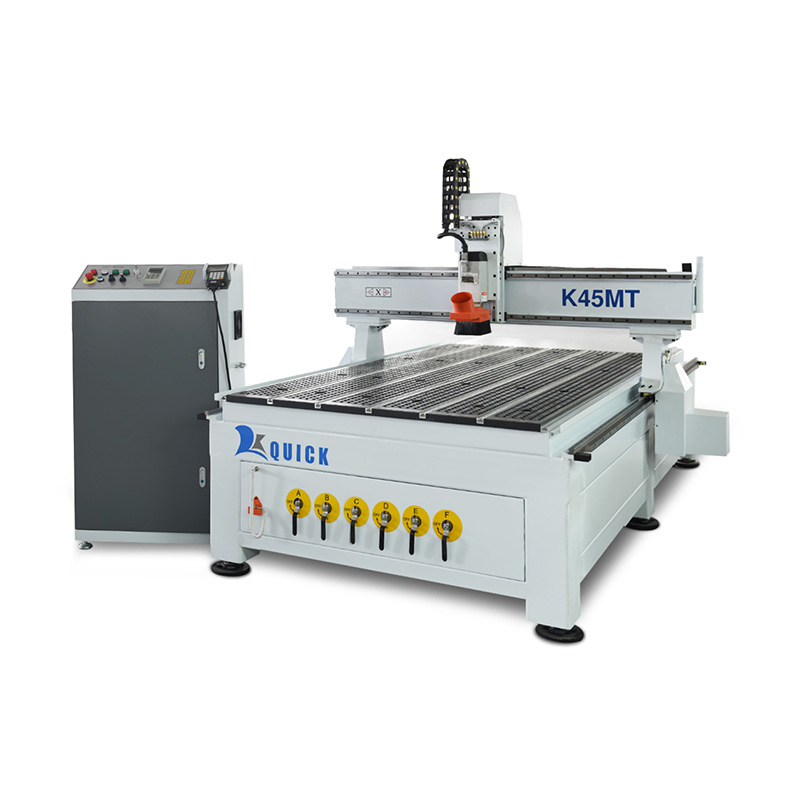
If the CNC router is rigid and the workpiece is held securely, climb cutting is a good first test for profile and side-finishing work. It is a good starting point for many jobs, but do not use it as a rule for every material. If the finished edge chips, the laminate breaks out, a small part moves, or the size changes when you reverse direction, run a simple A/B test instead of guessing.
Why This Matters on the Shop Floor
Cut direction is not just a CAM checkbox. It changes how the tool enters the material and which way the cutting force pushes. In production, you may see the difference as a cleaner edge, chatter in one direction, a small part moving on the vacuum table, or a finished size that changes after reversing the toolpath.
So the goal is not to find one rule for the whole factory. The goal is to find the direction that works with the actual material, cutter, holding method and finished edge you care about.
What You Need to Know First
- Cut direction: climb is a good first test on a rigid machine with secure holding, but the finished edge and measured size decide the job.
- Bit type: upcut, downcut and compression mainly change chip movement and the top/bottom faces; they do not replace the climb-vs-conventional decision.
- Workholding: if a small part moves or the cut changes near final separation, check vacuum, spoilboard and part stability before blaming direction alone.
What Actually Changes Between Climb and Conventional Cutting
| What to compare | Climb cutting | Conventional cutting |
|---|---|---|
| Tool motion at the cut | The cutter surface moves with the feed direction at the cutting point. | The cutter surface moves against the feed direction at the cutting point. |
| Chip thickness | Starts thicker, then gets thinner. | Starts very thin, then gets thicker. |
| When the tool first enters | Usually less rubbing when the machine and holding are stable. | More rubbing can happen before the cutter forms a full chip. |
| Good first use | Profile cutting and side finishing on a solid industrial router. | A useful comparison when the real edge or finished size is better in this direction. |
| What to watch | Weak holding, backlash or machine movement can show up quickly. | Extra rubbing and heat can hurt the finish when the setup is already marginal. |
Your Machine Setup Changes the Result
Climb cutting works best when the machine is solid and unwanted movement is under control. But do not look at machine rigidity alone. Tool stickout, spindle condition, gantry movement, drives and workholding can all change the result.
If one direction chatters badly and the other runs smoothly, changing the CAM direction may hide the problem rather than fix it. Check the machine and the holding setup before pushing feed rate or cutting depth harder.
Do Not Mix Up Cut Direction and Bit Type
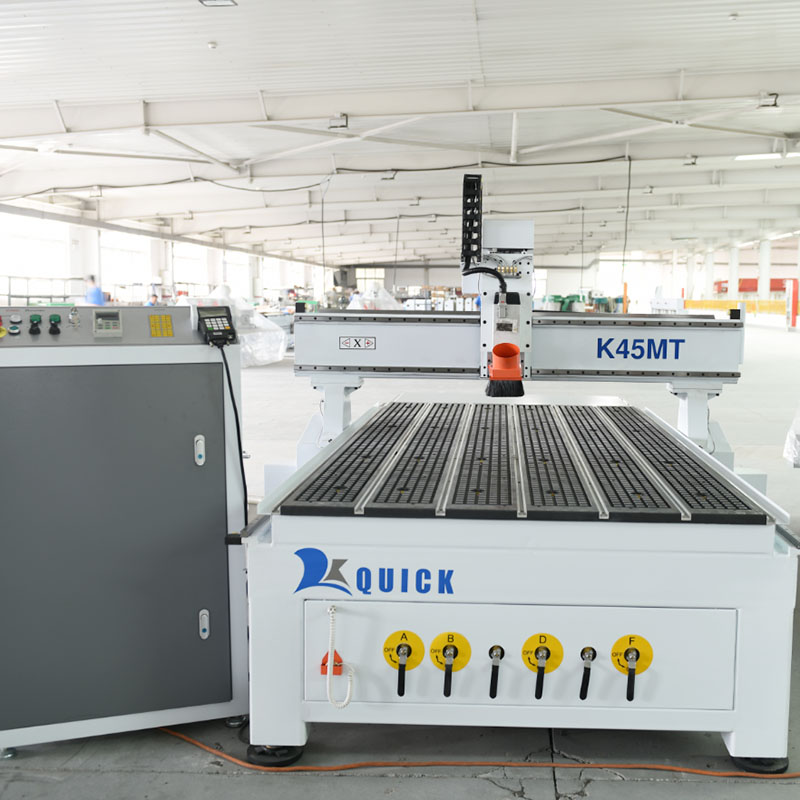
This is where a lot of people get confused. Upcut, downcut and compression bits mainly change how chips move and what happens to the top and bottom faces. Climb and conventional cutting change how the cutter works along the side of the part.
A compression bit, for example, can help protect both faces of a laminated panel, but the side edge can still look different when you switch cutting direction.
| Material or process | Good starting point | When to try the other direction |
|---|---|---|
| MDF / particleboard profiling | Climb cutting is a good first test for the side finish. | Try the other direction if you see fuzzing, size changes or unstable holding. |
| Plywood / melamine / laminated panels | Climb is a good first test, but make an A/B edge test if the visible edge matters. | Test again if you see veneer tear-out, laminate chipping or problems around internal voids. |
| Solid wood | Climb is a good first test when the part is held securely. | Grain direction can change the answer. If tear-out appears, test the opposite direction. |
| Acrylic / thermoplastics | Use climb as one first comparison and keep chips moving away from the cut. | Reverse and compare if you see heat marks, smearing, chip welding or a poor side wall. |
| Composite boards | Start from a suitable tool/material setup, then compare both directions. | Let actual edge quality and tool behavior decide. |
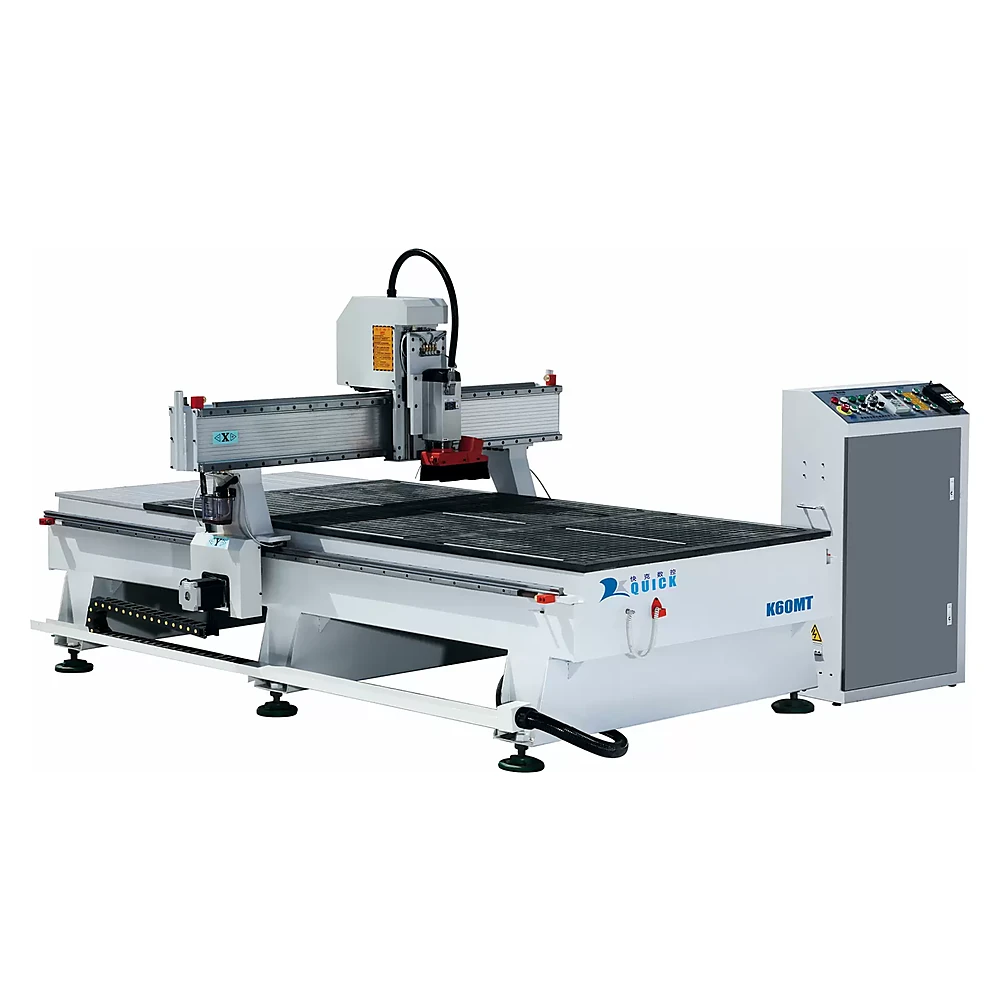
Do not change the bit type and cutting direction at the same time when troubleshooting. Change one thing first, look at the result, and then move to the next variable. Otherwise you will not know what actually fixed the edge.
For more material-specific setup information, see the CNC router for woodworking guide and the CNC acrylic cutting guide.
Inside Cuts, Outside Cuts and Full Slots Do Not Behave the Same
This is why simple clockwise/counterclockwise rules cause trouble. Inside and outside profiles reverse the toolpath relationship. Pick climb or conventional by name in CAM and check the preview instead.
A full-width slot also needs a different way of thinking. The two slot walls see opposite cutting action. If both walls need a good finish and the part allows it, leave a little material and make separate finish passes.
Sometimes the Real Problem Is Holding, Not Cut Direction
On a vacuum router, holding strength depends on more than pump size. Vacuum zones, spoilboard condition, material porosity, part area and the order in which parts are cut all matter.
Small nested parts are normally where weak holding shows up first. If the part moves near final cut-through, do not immediately blame climb cutting. Check whether enough material is still connected, whether the spoilboard is leaking and whether the smallest part has enough vacuum area.
Fastest Way to Get the Right Answer: Run a Simple A/B Test
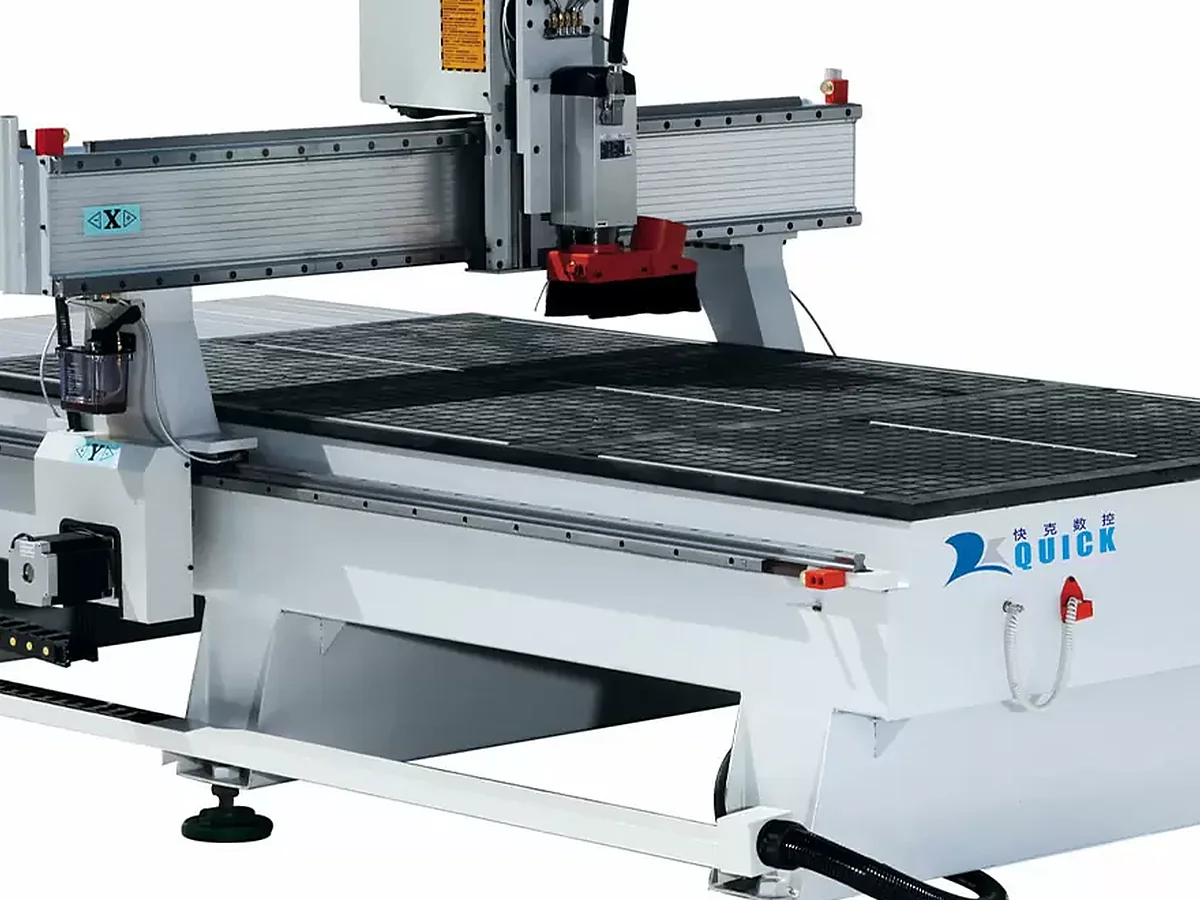
- Use the actual production material, thickness and face orientation.
- Keep the same cutter, tool stickout, holding method, depth strategy, feed and spindle setting.
- Cut the same type of finished edge twice: once climb, once conventional.
- Compare chipping, fuzzing, wall marks, heat, vibration and any part movement.
- Measure the size that matters to assembly. Do not judge only by appearance.
- Save the better direction for that material, cutter and process—not as a rule for every job.
One Mistake That Causes a Lot of Trouble
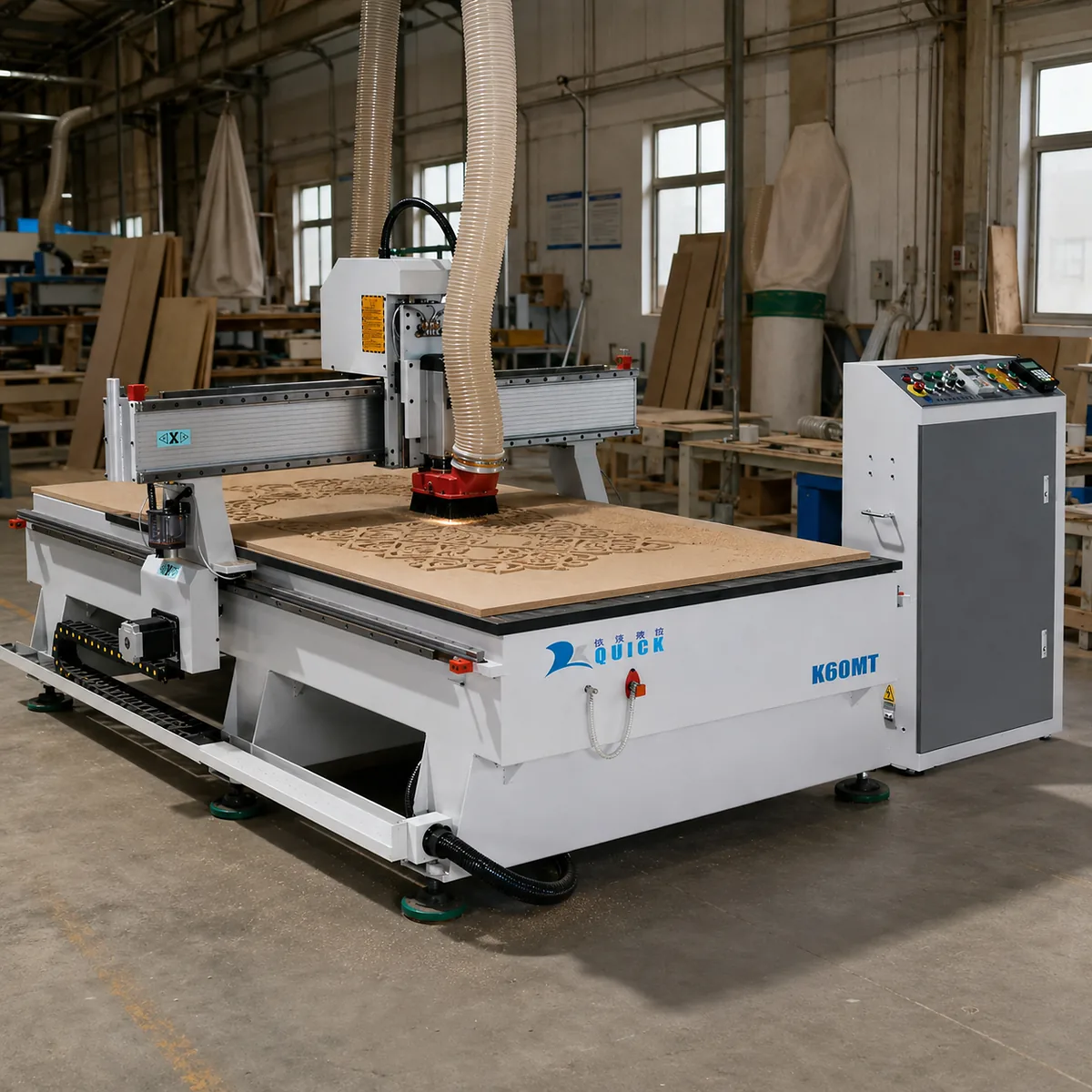
Why it happens Climb cutting is not automatically the problem. The mistake is assuming that a result from MDF will work the same way on plywood. The bit, visible edge, board structure and vacuum holding have all changed.
What to do Run the A/B test again on the real plywood and check the smallest part before setting a factory rule. If needed, leave material for a separate finish pass.
Common Mistakes
- Using a diagram as the rule: inside and outside contours can reverse what you think you are seeing.
- Trying to fix weak holding with cut direction: if the part moves, the holding problem is still there.
- Changing the bit and direction together: then you do not know what solved the problem.
- Looking at the waste edge: inspect the edge that stays on the finished part.
- Copying wood settings to acrylic or composites: heat and chip behavior can change the answer.
- Treating a full slot as one cutting direction: the two slot walls do not behave the same way.
If You Want Us to Look at the Problem, Send These Details
- Part drawing, CAD/DXF or a clear photo showing the finished edge that is giving you trouble.
- Material and thickness, including laminate, veneer or plastic type when relevant.
- Cutter details: diameter, bit type and whether it is upcut, downcut or compression.
- Current setup: CAM cutting direction plus vacuum, spoilboard, clamps or other holding method.
- The result you need: the edge/size problem you see now and the finish or dimension you need to hold.
When It Is No Longer Just a CAM Problem
Sometimes reversing the toolpath solves the problem. Sometimes both directions still give you poor results. That is when you need to stop changing CAM settings and look at the machine and the whole process.
- The size changes no matter which direction you cut: check machine movement, backlash, drives, spindle condition and tool setup.
- Small parts keep moving: check vacuum capacity, zoning, spoilboard condition, part area and cut-through order.
- You keep stopping the machine to change tools: this is where an ATC CNC router can make a real difference.
- The job needs side drilling or angled machining: changing cutting direction will not solve that. You may need a different machine configuration.
At this point, start from the actual part and process instead of starting from a machine model. Material, part size, smallest part, operations and tool changes will tell you much more about what machine makes sense.
You can also review the Quick CNC application overview or furniture CNC machine options.
Not sure whether the problem is the CAM, the holding setup or the machine? Send us one representative part, the material and the problem you are seeing. We can start from the process before talking about the machine.
Send Your Process for ReviewFAQ
Is climb cutting always better on a CNC router?
No. It is a good first trial on a rigid machine with solid workholding, but it is not automatically better for every material or every edge. Check the actual finished part.
Which direction should I use on an outside profile?
Choose climb or conventional directly in your CAM software and check the toolpath preview. Do not rely only on a clockwise or counterclockwise memory rule.
Is conventional cutting better for plywood or melamine?
Not automatically. Veneer, laminate, internal voids, cutter geometry and the finished edge can all change the result. Test both directions on the actual board when edge quality matters.
Does a compression bit remove the need to think about climb vs conventional?
No. A compression bit mainly helps control the top and bottom faces. Cutting direction can still change the side-wall finish and how the cutting force acts on the part.
Does cut direction still matter when full-slotting?
Yes. The two walls of a full-width slot do not see the same cutting action. If both walls need a good finish, separate finish passes can help when the geometry allows it.
Should roughing and finishing always use different directions?
No. Check the finished edge and the measured size. Use different directions only when the actual job shows a clear benefit.
Can climb cutting make small parts move on a vacuum table?
It can expose weak holding. Check the smallest part, vacuum zoning, spoilboard leakage, material porosity and cut-through order instead of only changing the direction setting.
References

Frannie
Hello, I’m Frannie, a CNC machinery specialist with 15 years of experience in the woodworking CNC industry. I help furniture factories, cabinet makers, woodworking workshops, and production businesses choose CNC machines that match their production needs, factory size, budget, and efficiency goals.
My work focuses on solving real production problems, including replacing outdated equipment, improving machining efficiency, reducing labor costs, and upgrading to smarter CNC solutions. I also support customers with machine installation guidance, operation training, video support, and on-site training when needed, helping them use their machines more confidently and effectively.





